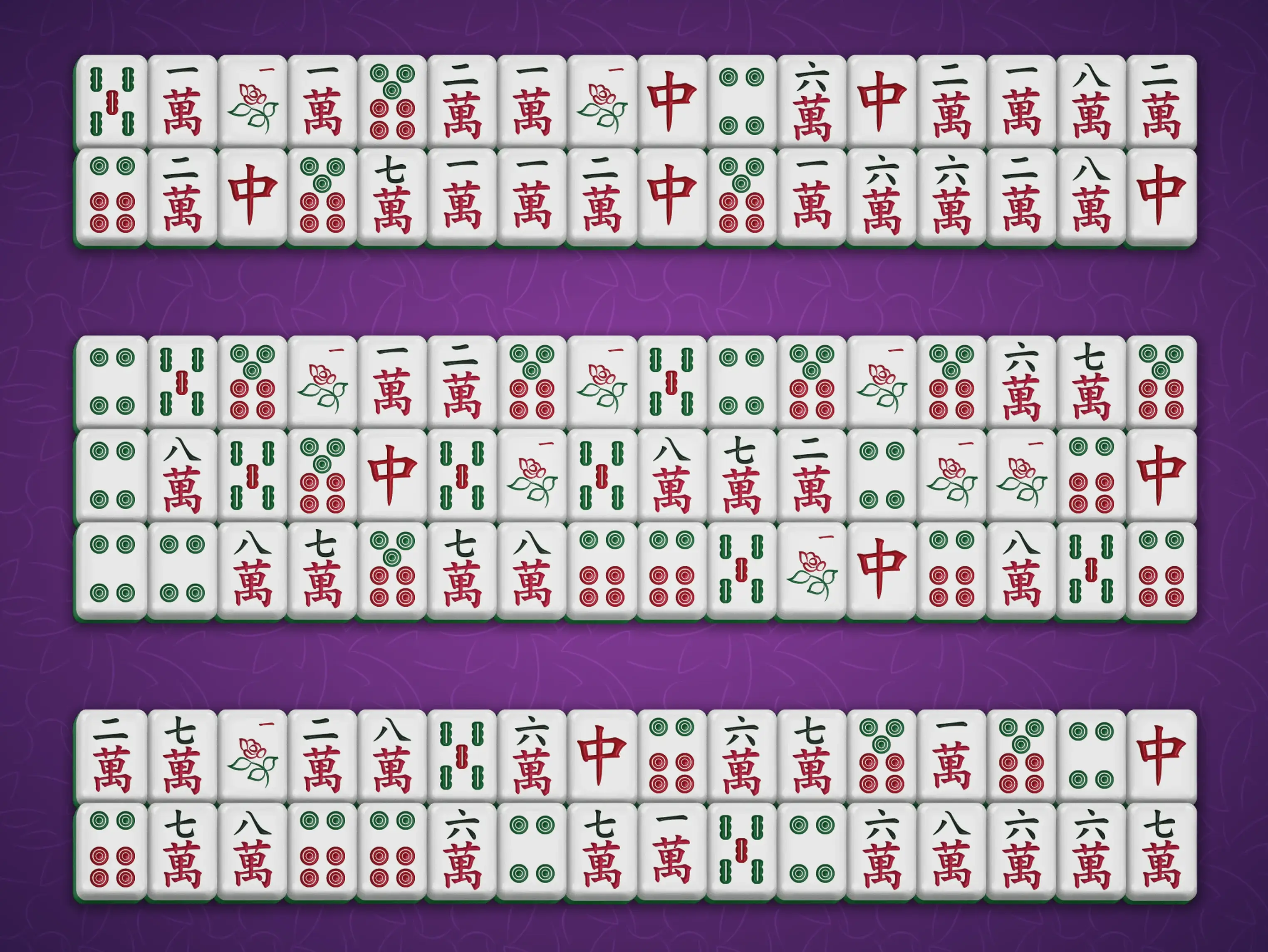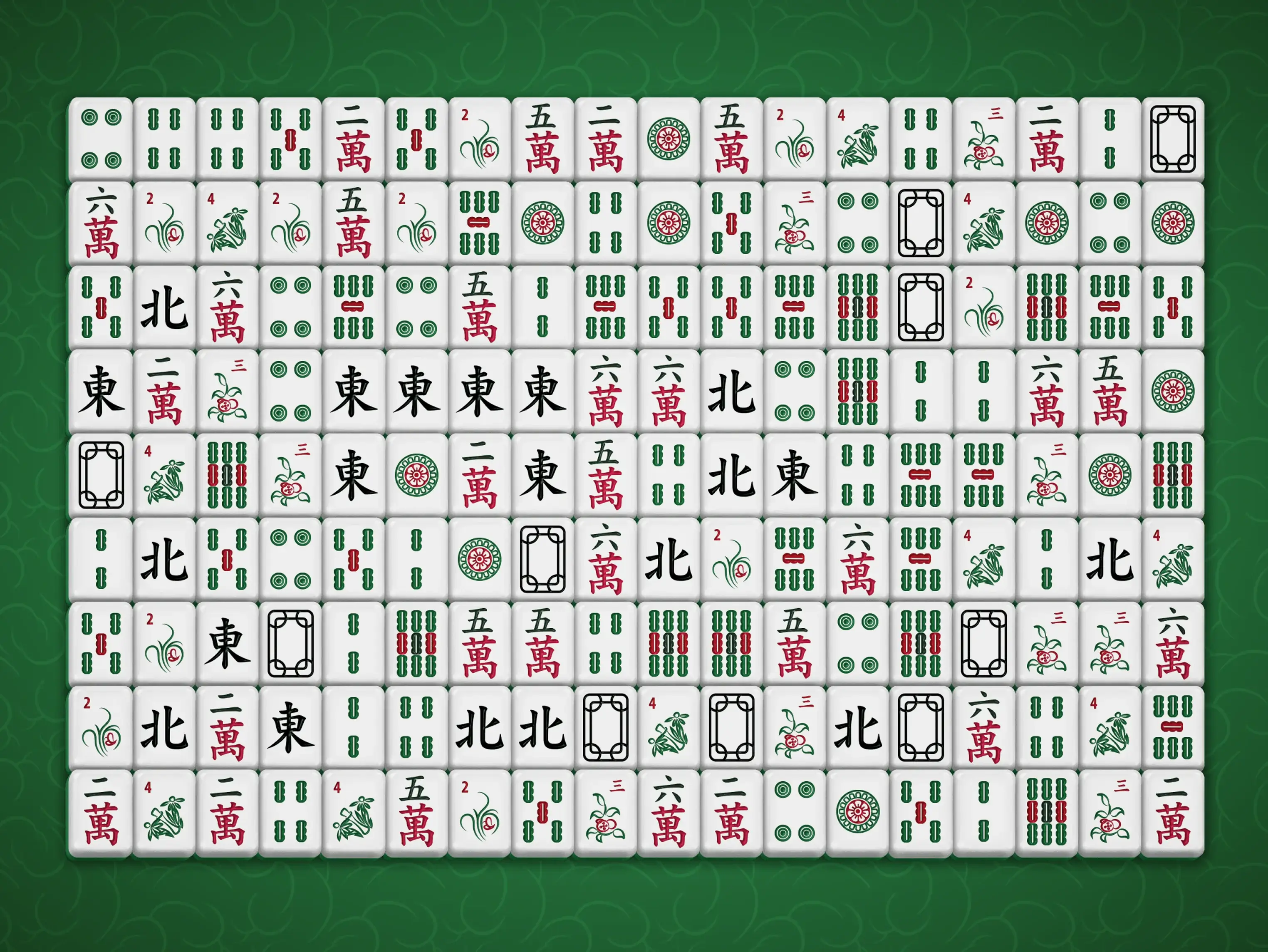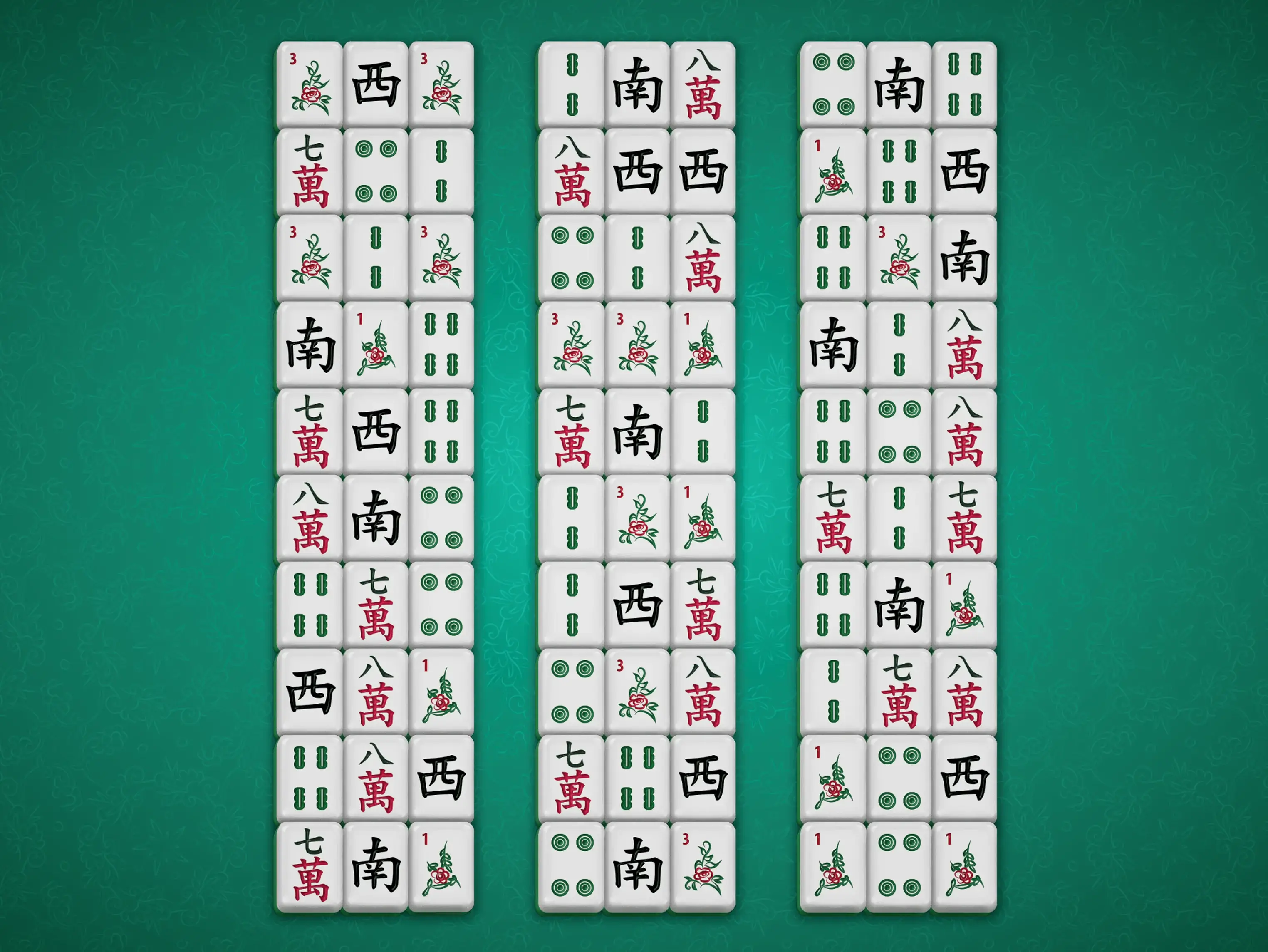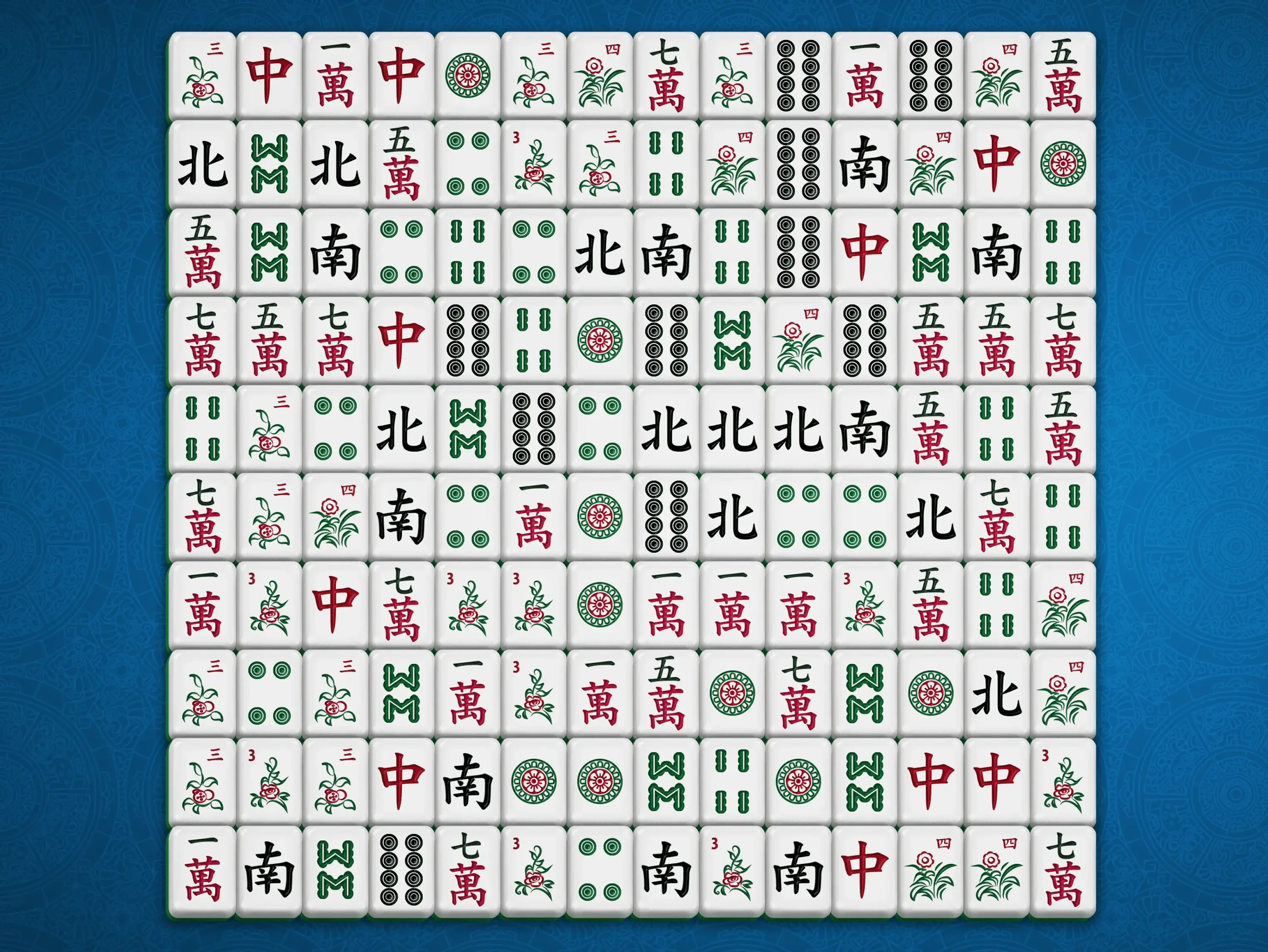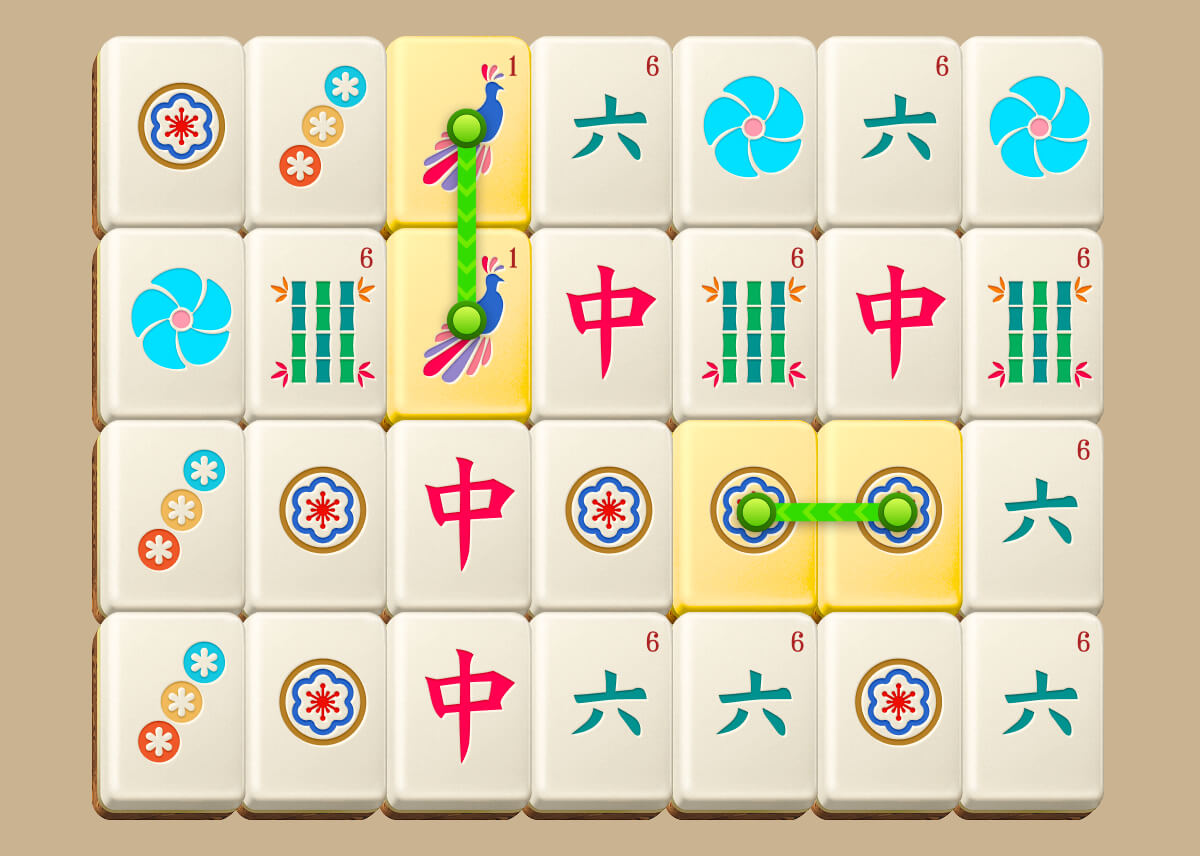
Adjacent tiles
Two identical tiles can be removed when they are next to each other. This works even if the tiles are in the middle of the board.

Play Mahjong Connect Gravity free online. Play the Horizontal Blocks layout on desktop or mobile with no download or sign-up.
Mahjong Connect Gravity is a tile-matching puzzle where you clear the board by removing pairs of identical tiles. A pair can be removed only when the two tiles are next to each other or can be connected by a line through empty space. This line must not pass through other tiles and can make no more than two turns. That is why a pair is not always playable just because both tiles are visible.
Gravity changes the board on every move. At the start of the round, the game randomly chooses a direction: left or right. When a pair of tiles disappears, the remaining tiles slide into the empty spaces in the direction of gravity. As the tiles shift, new pairs can become playable, and blocked routes can open in another part of the board.
The Horizontal Blocks layout is built from long rows, and the tiles slide along those rows. After a pair is removed, the whole row shifts sideways, so the edge of the board gradually turns into steps. These steps appear on the left or right edge and create extra paths for connecting pairs.
Your goal is to clear the board by matching identical tiles. Click one tile, then click another tile with the same symbol.
The two tiles can be removed only if you can connect them with one, two, or three straight lines. The connection must go through empty space and cannot pass through other tiles.
After every pair is removed, the tiles shift. The two removed tiles leave empty spaces, and other tiles slide into the freed positions. This can make a previously blocked pair reachable, so check the board again after each move.

There are a few valid ways to connect two tiles:
Two identical tiles can be removed when they are next to each other. This works even if the tiles are in the middle of the board.
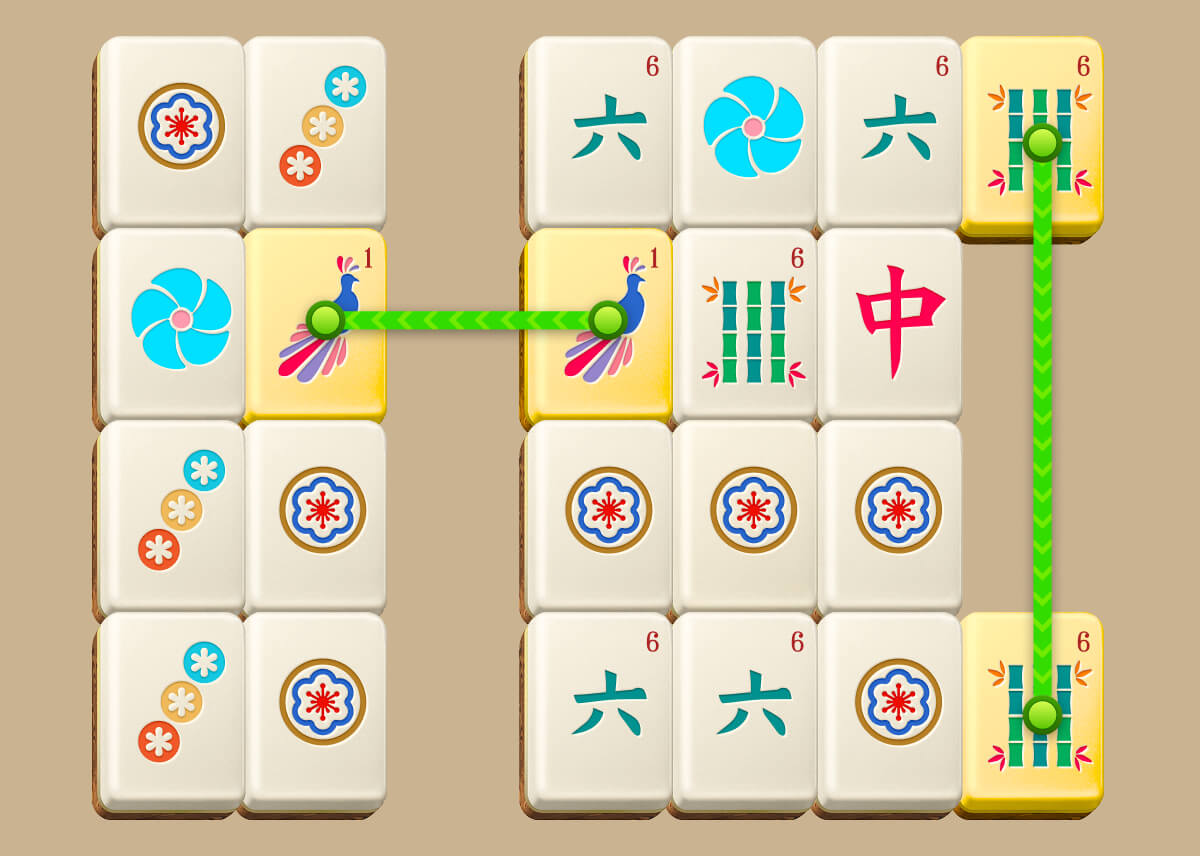
If you can draw one straight line between two identical tiles, you can remove the pair.
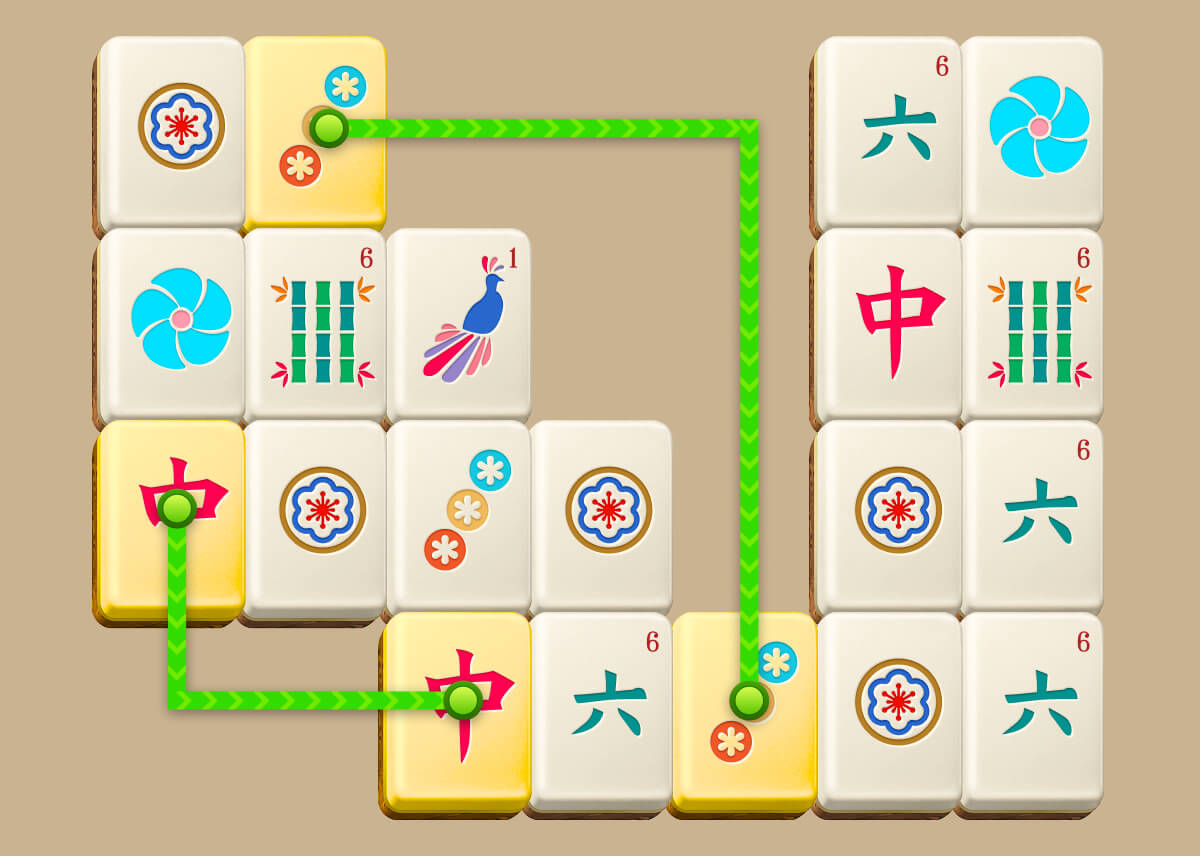
A pair can also be removed if the connection consists of two straight segments. This means the path makes one right-angle turn and does not pass through other tiles.
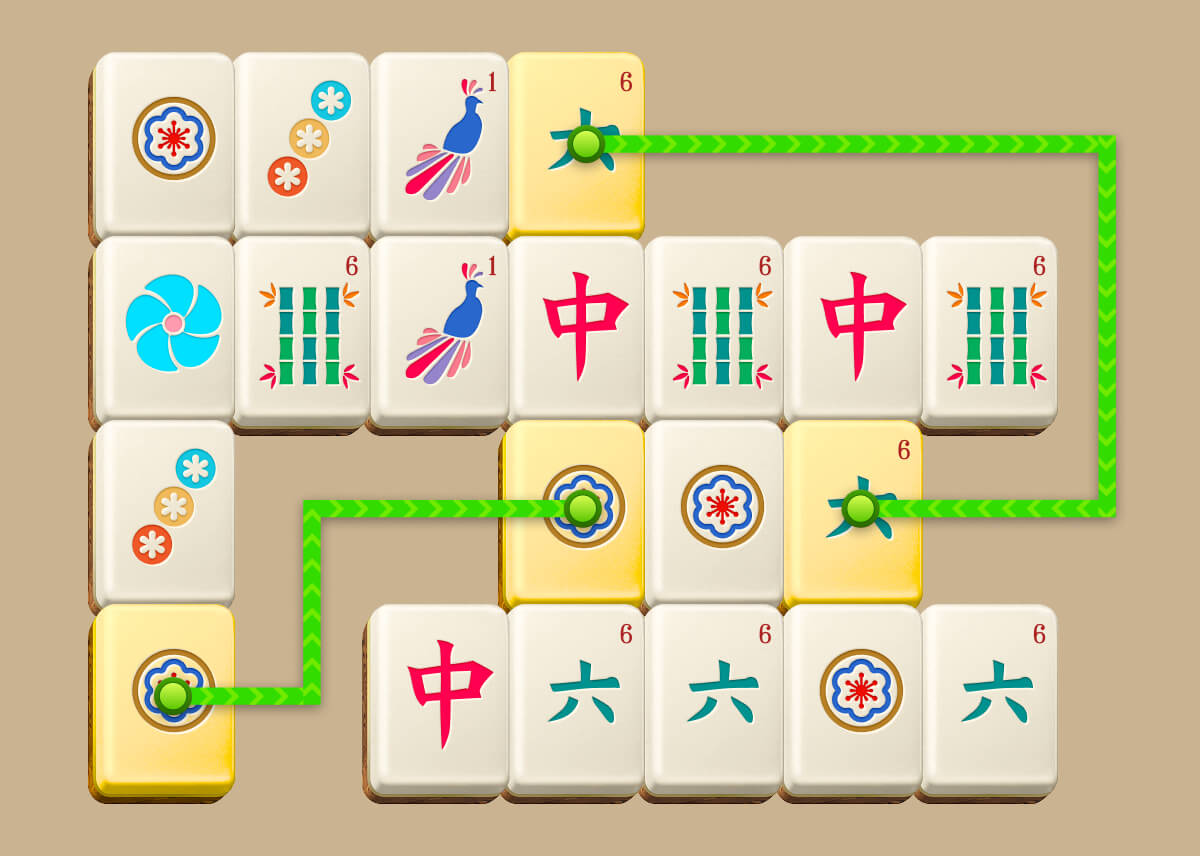
A three-line connection is also valid. The path has three straight segments, and each segment must run through empty space.
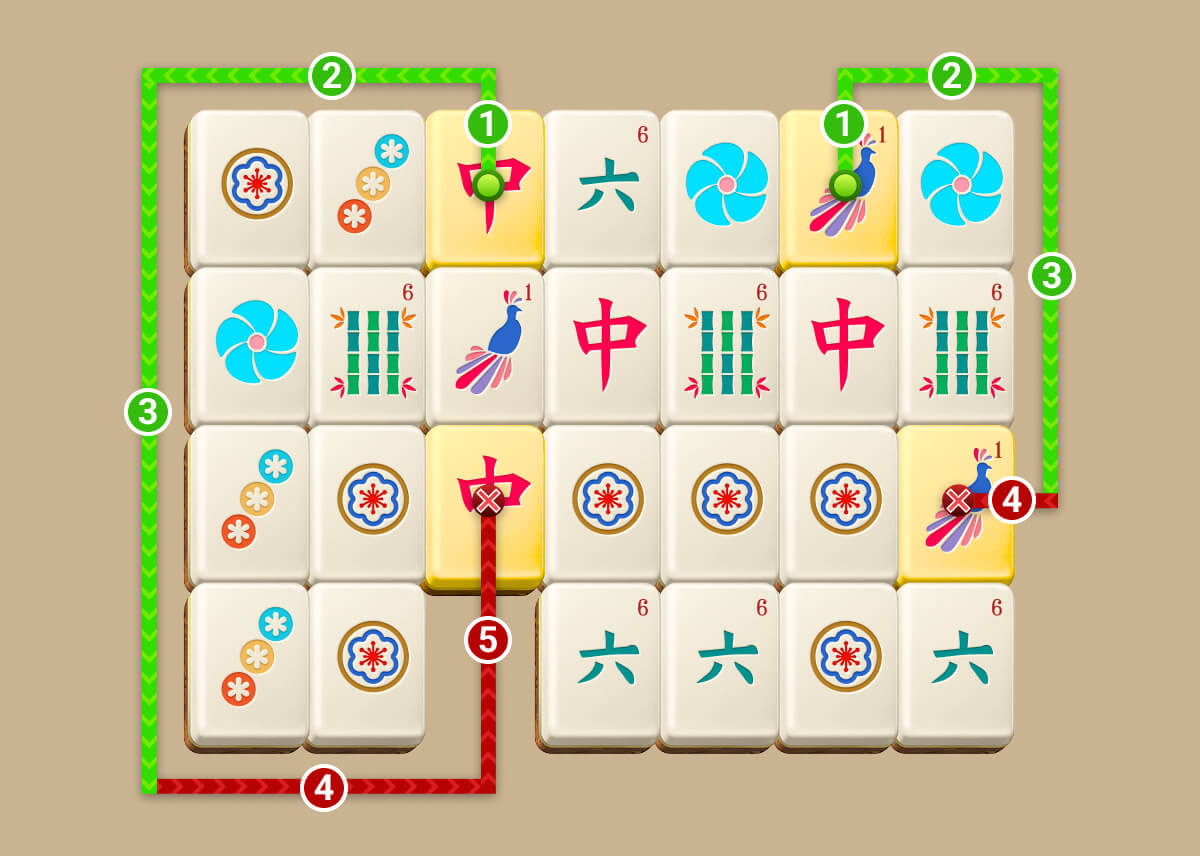
A pair cannot be removed if the connection needs four or more lines. Remove other tiles first to open a shorter path.
Matches near the border are easier to check, because there is more empty space around them and fewer tiles can block the path. Clearing edge pairs first also gives you more room for later connections.
In Mahjong with gravity, a move that looks good at first can make the board worse. After the tiles shift, some pairs may open up, while others may become blocked. After removing a pair, do not rush to the next move. Check how the board has changed, and make sure your next move will not disrupt your later plans.
If you cannot find a move, use the Hint  button. It will show one available pair on the board and help you continue the game.
The Undo function Undo is especially useful in Mahjong Connect Gravity. A move may look good at first, but after the tiles shift, it can block other pairs and make part of the board harder to clear. If the board suddenly becomes blocked, go back one move and try a different pair.
Looking for another board? Browse all Mahjong Connect Gravity layouts and pick a new one to play.
9898 Users Rated
Add The Mahjong to your desktop and never search for it again