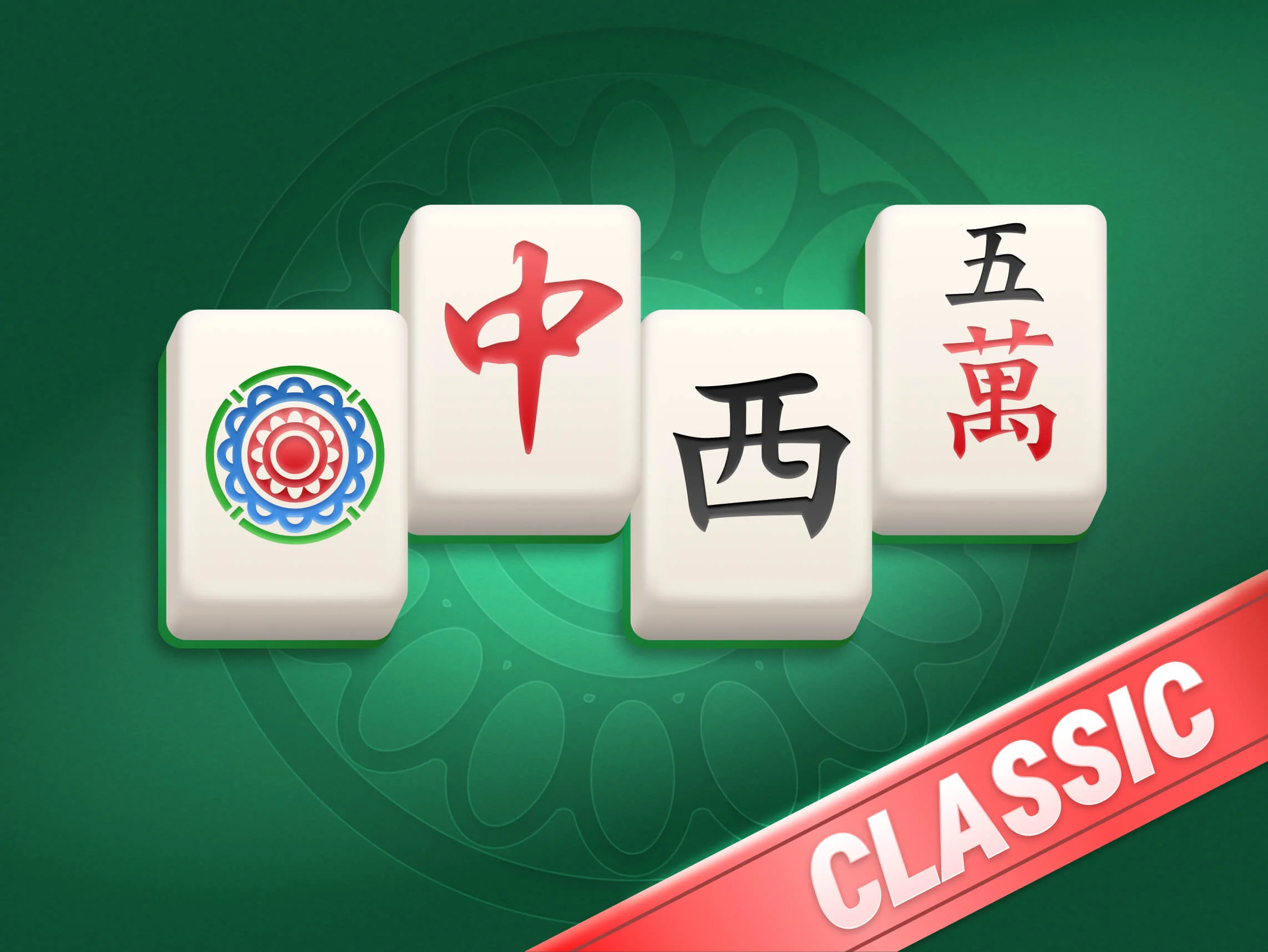
Match identical tiles.

Find two matching tiles and select them to remove the pair from the board. Clear all tiles to win Mahjong Solitaire!

Play Mahjong Solitaire online on TheMahjong.com, try fullscreen mode, and use other helpful features. We offer more than 260 Mahjong Solitaire layouts, all available for free.
Mahjong Solitaire is a tile-matching puzzle game that uses traditional mahjong tiles, but it is played very differently from classic four-player mahjong. Instead of building a winning hand against other players, your goal is to remove matching open pairs and clear the board.
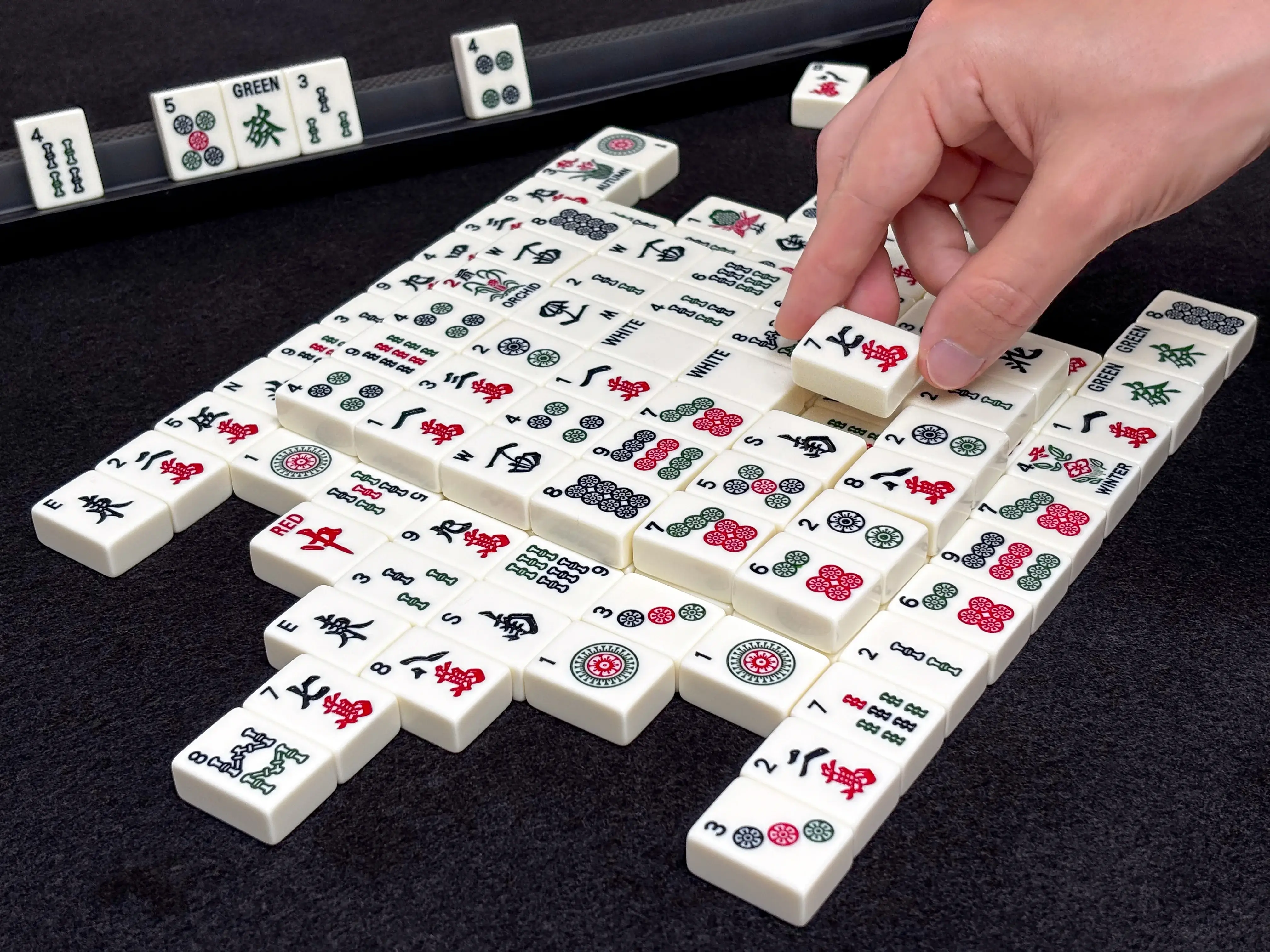
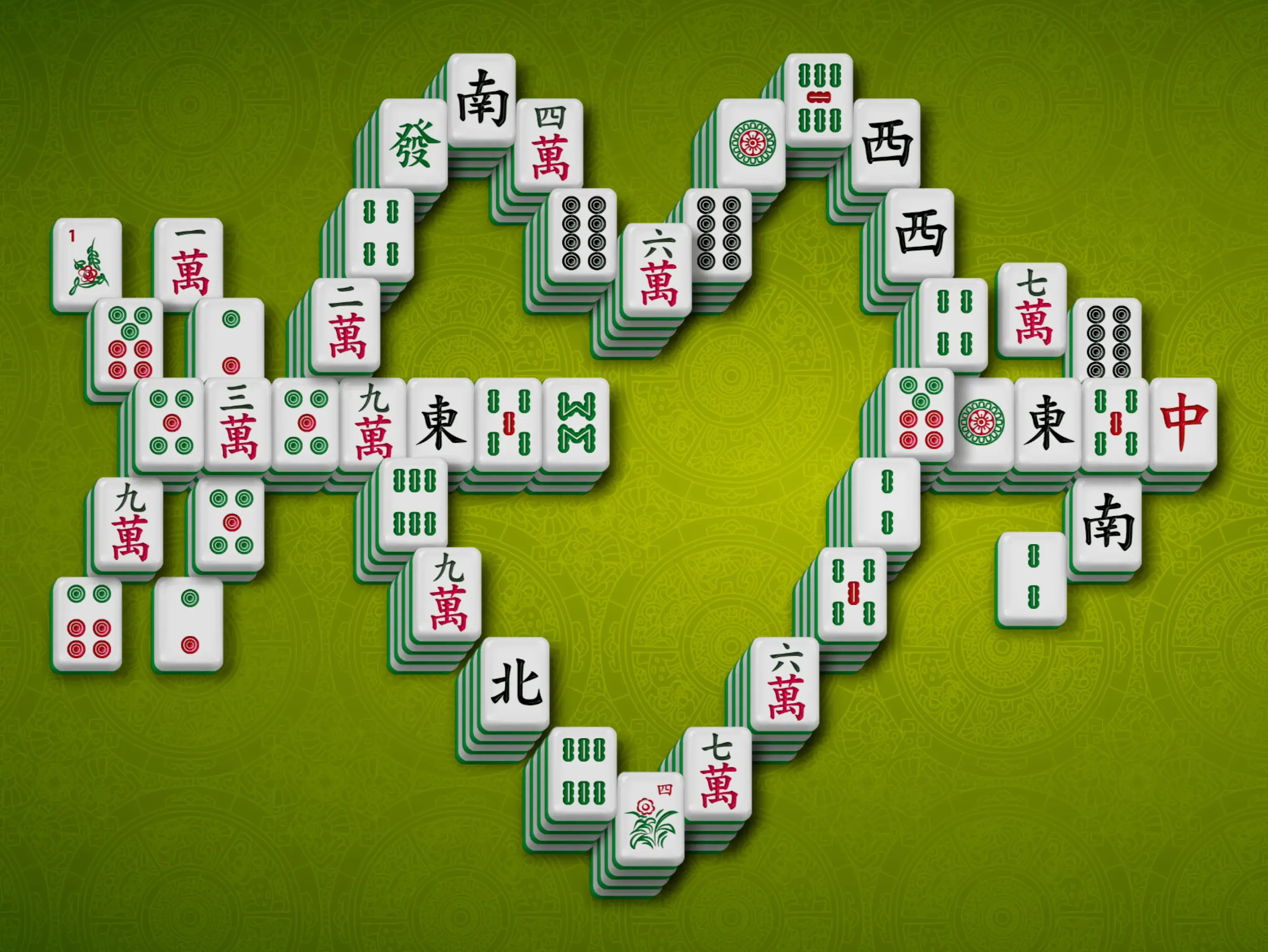
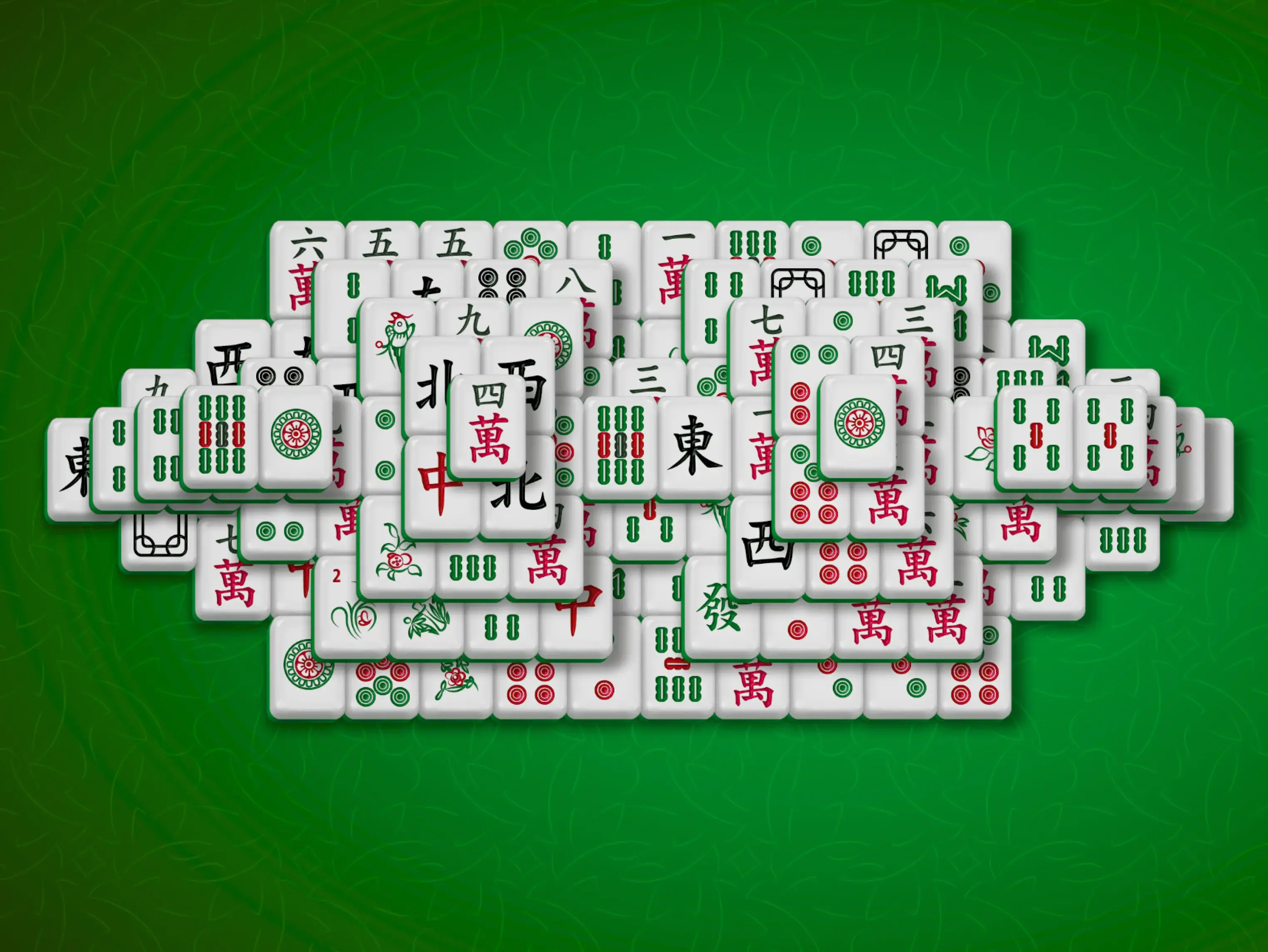
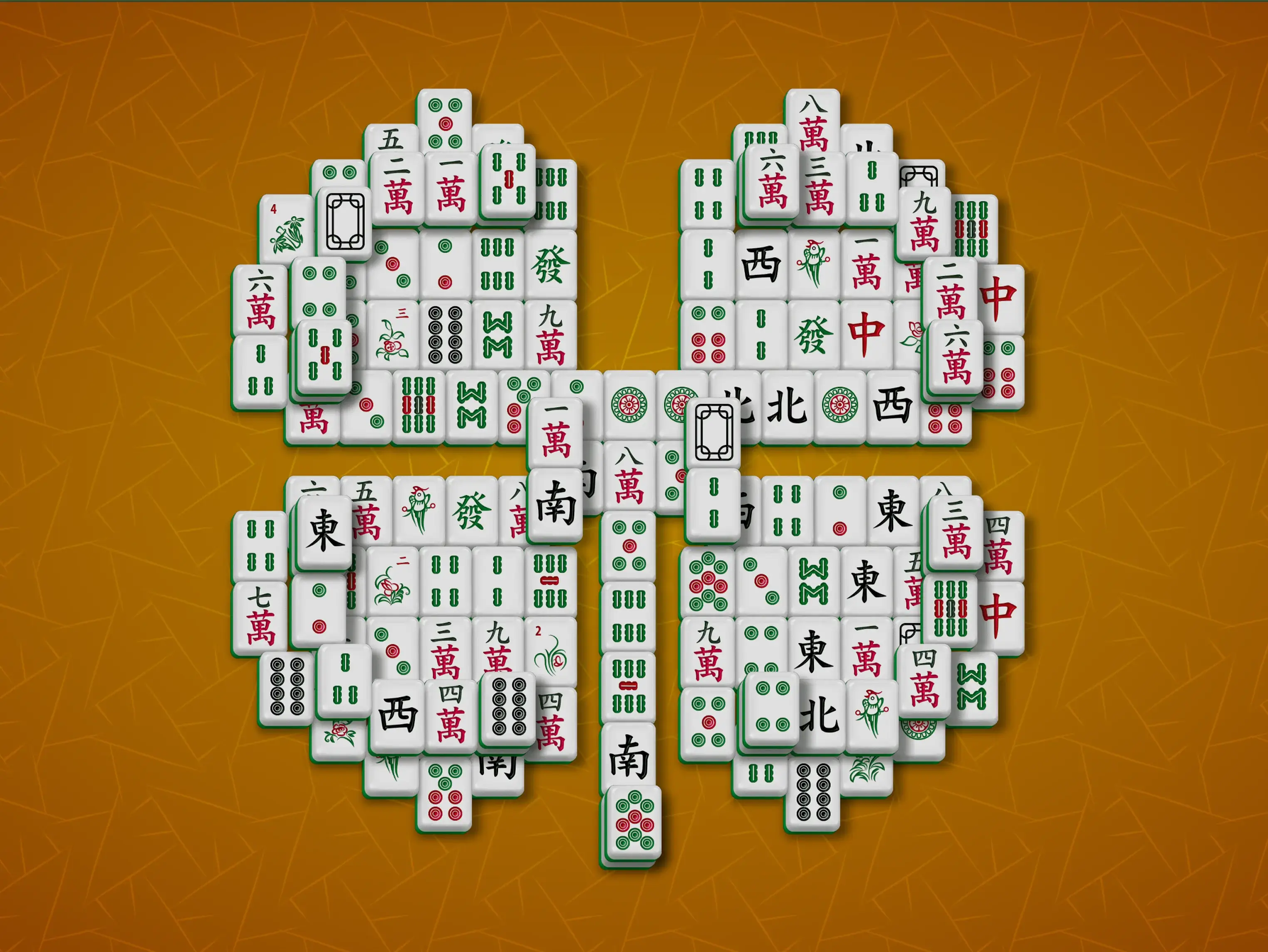
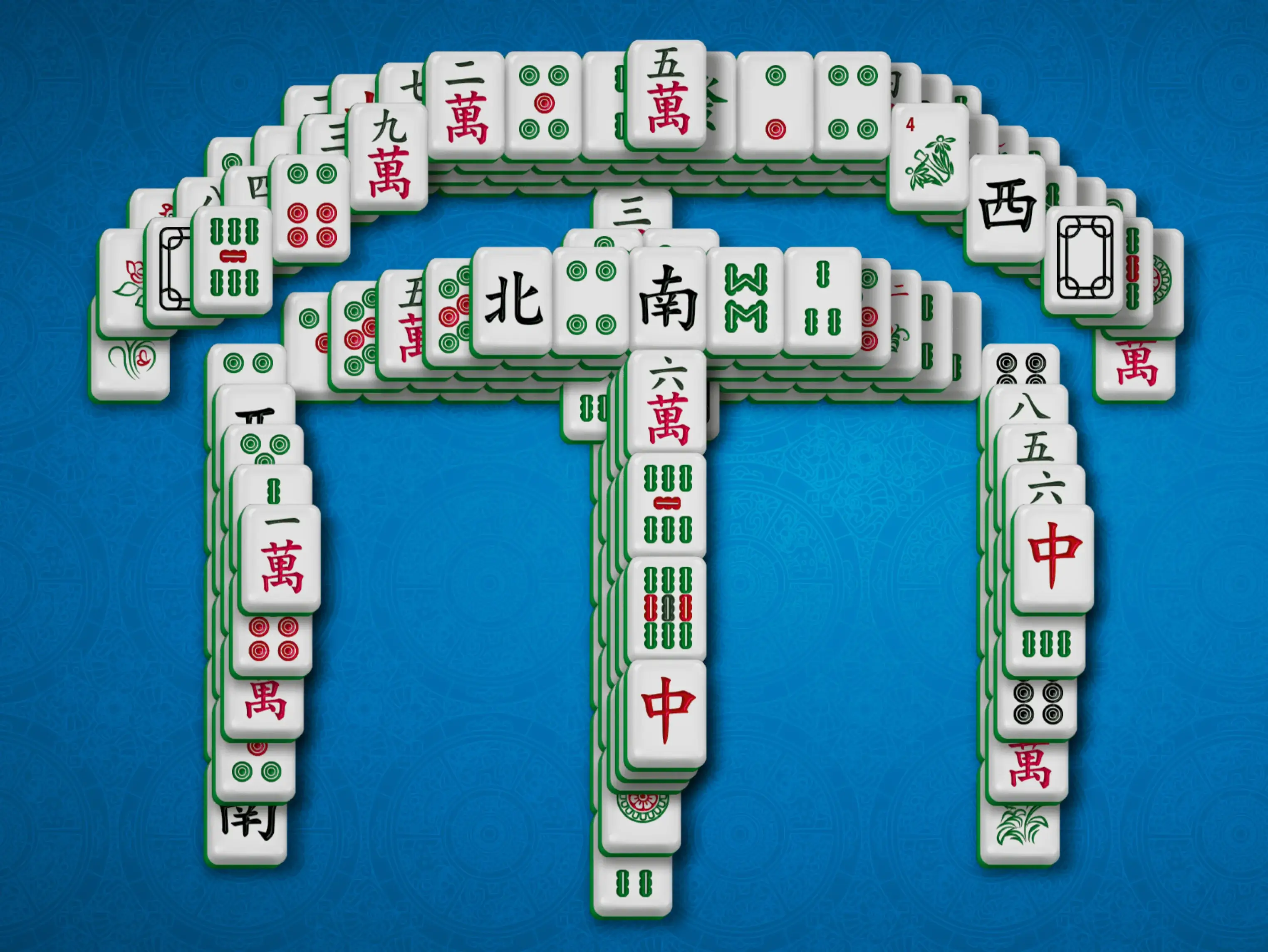
TheMahjong.com offers more than 260 Mahjong Solitaire layouts, including Turtle, Fish, Butterfly, and many others. The basic rules stay the same, but each layout changes the shape of the board, which tiles open first, and how much planning the game needs.
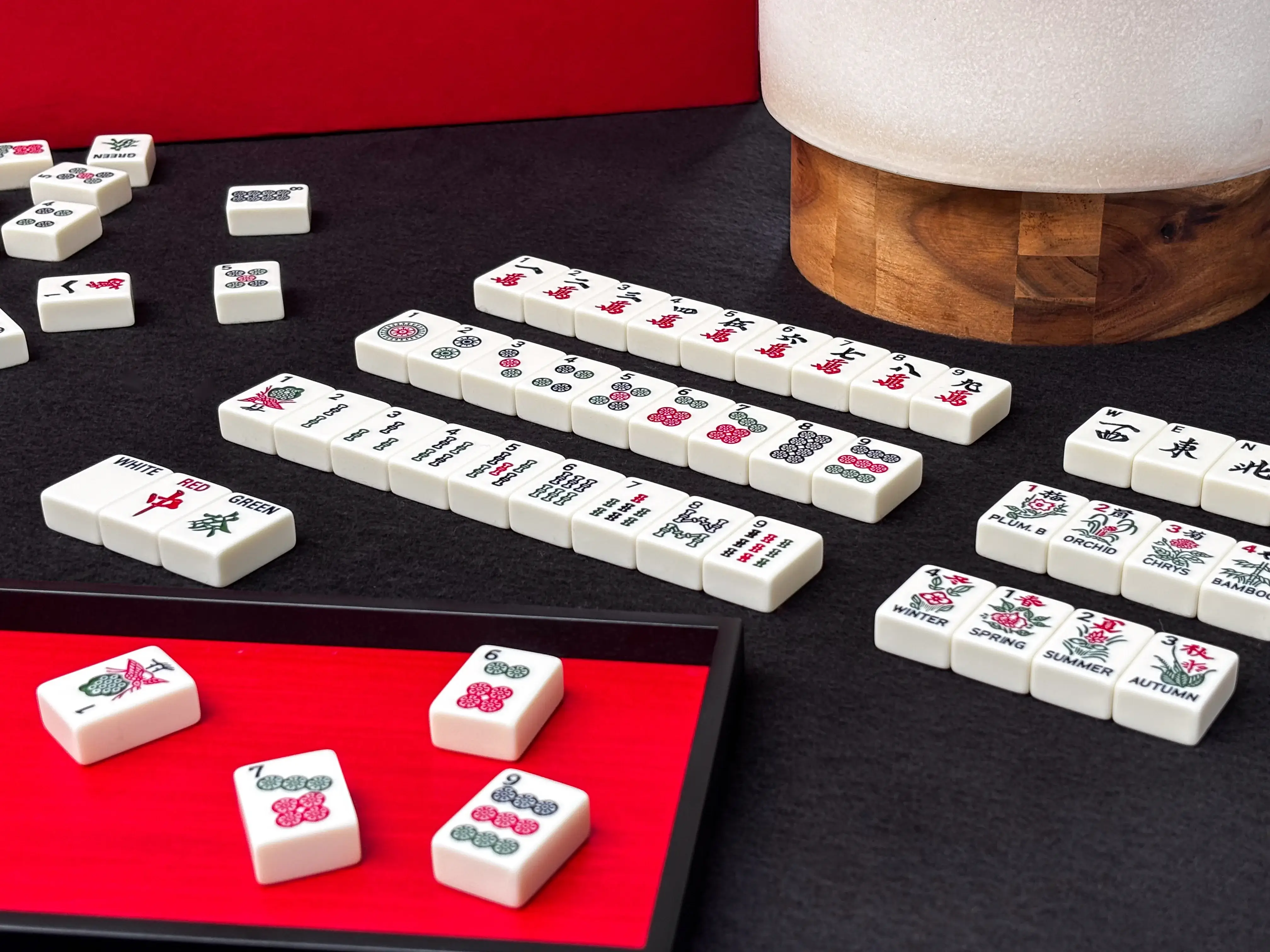
Whether you are new to Mahjong Solitaire or already know the rules, you can choose a layout, play at your own pace, use helpful features such as hints and shuffle, and enjoy the game online for free.
Find two matching tiles and select them to remove the pair from the board. Clear all tiles to win Mahjong Solitaire!
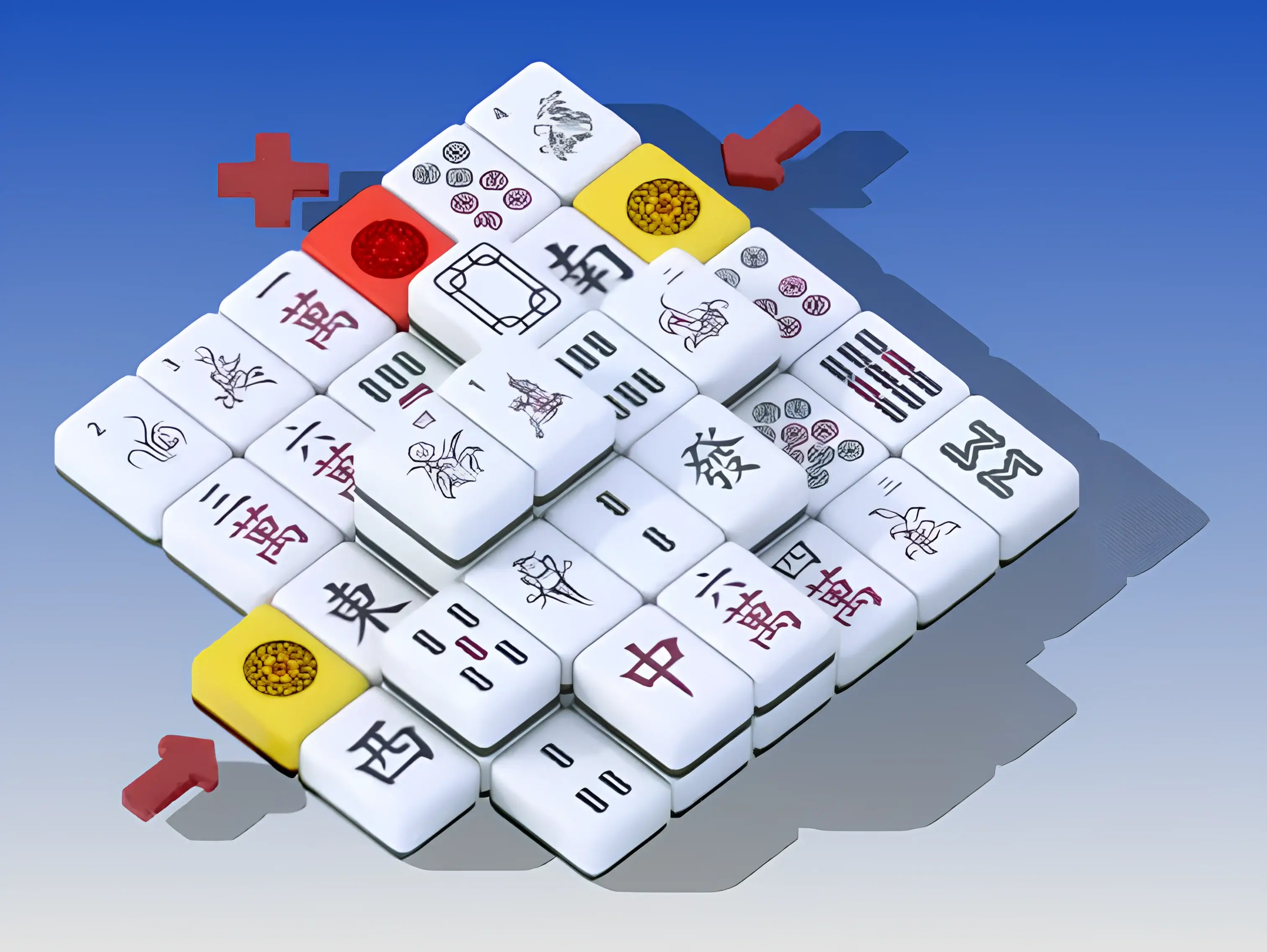
You can remove a tile only if it is not covered by another tile and has either its left or right side free. If a tile is blocked on both sides or covered from above, it cannot be removed.
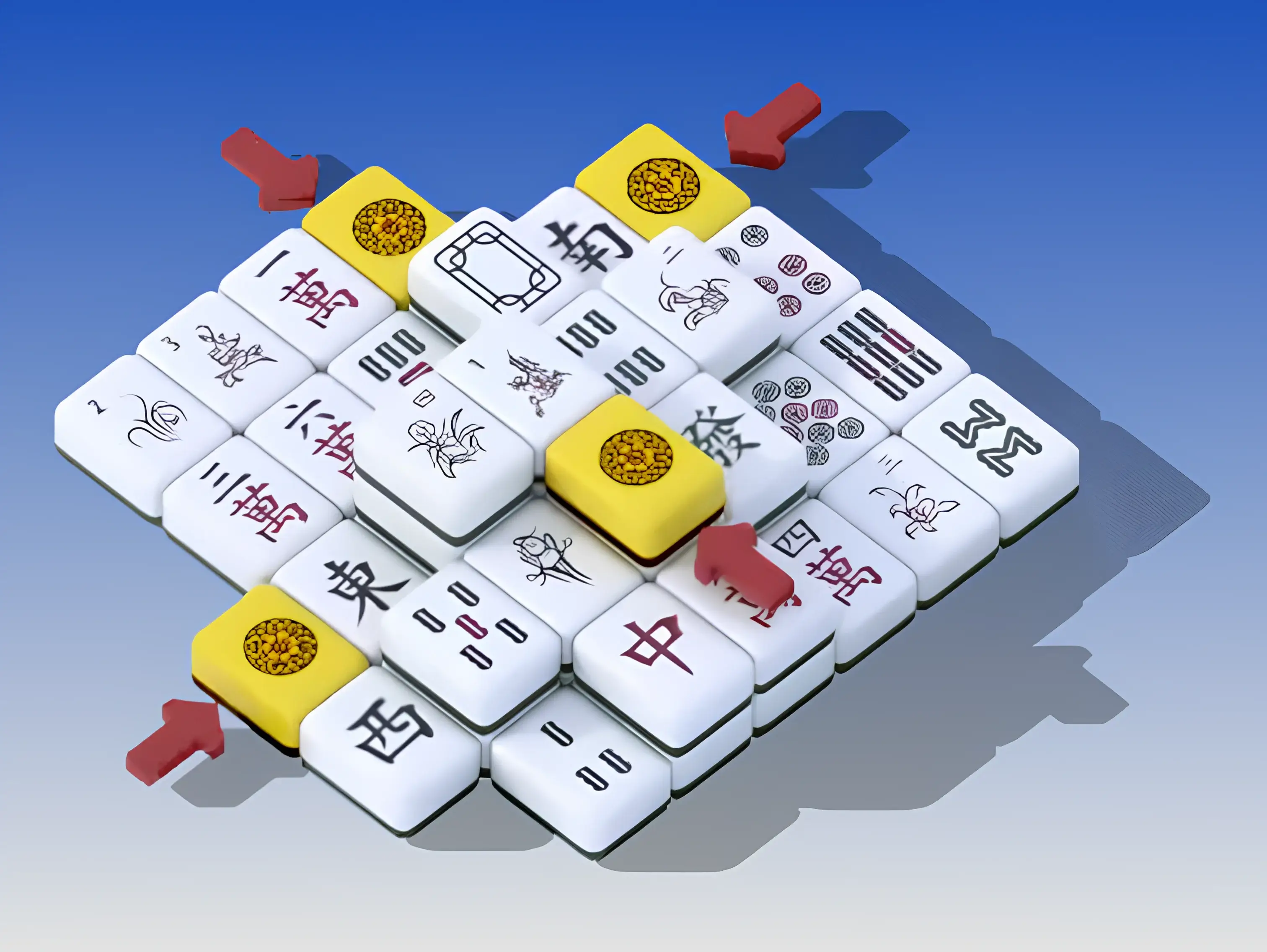
Each regular tile appears four times on the board. This means you may have more than one possible match, so choose the pair that helps open the board.

There is only one of each Season and Flower tile, but they still form matching pairs. Any Season tile can match another Season tile, and any Flower tile can match another Flower tile.
For more details about Mahjong Solitaire rules and strategy, visit the Game Rules section.
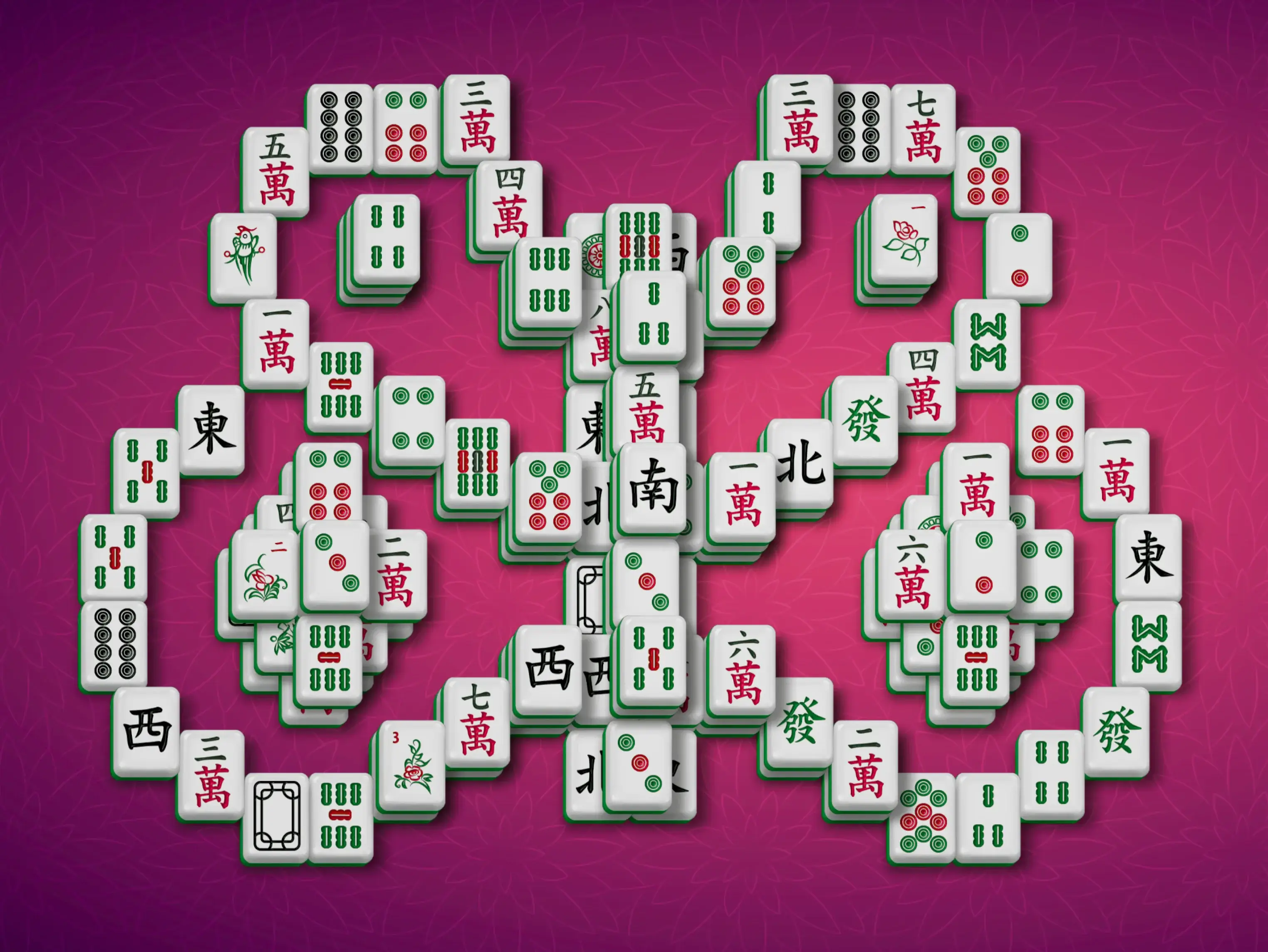
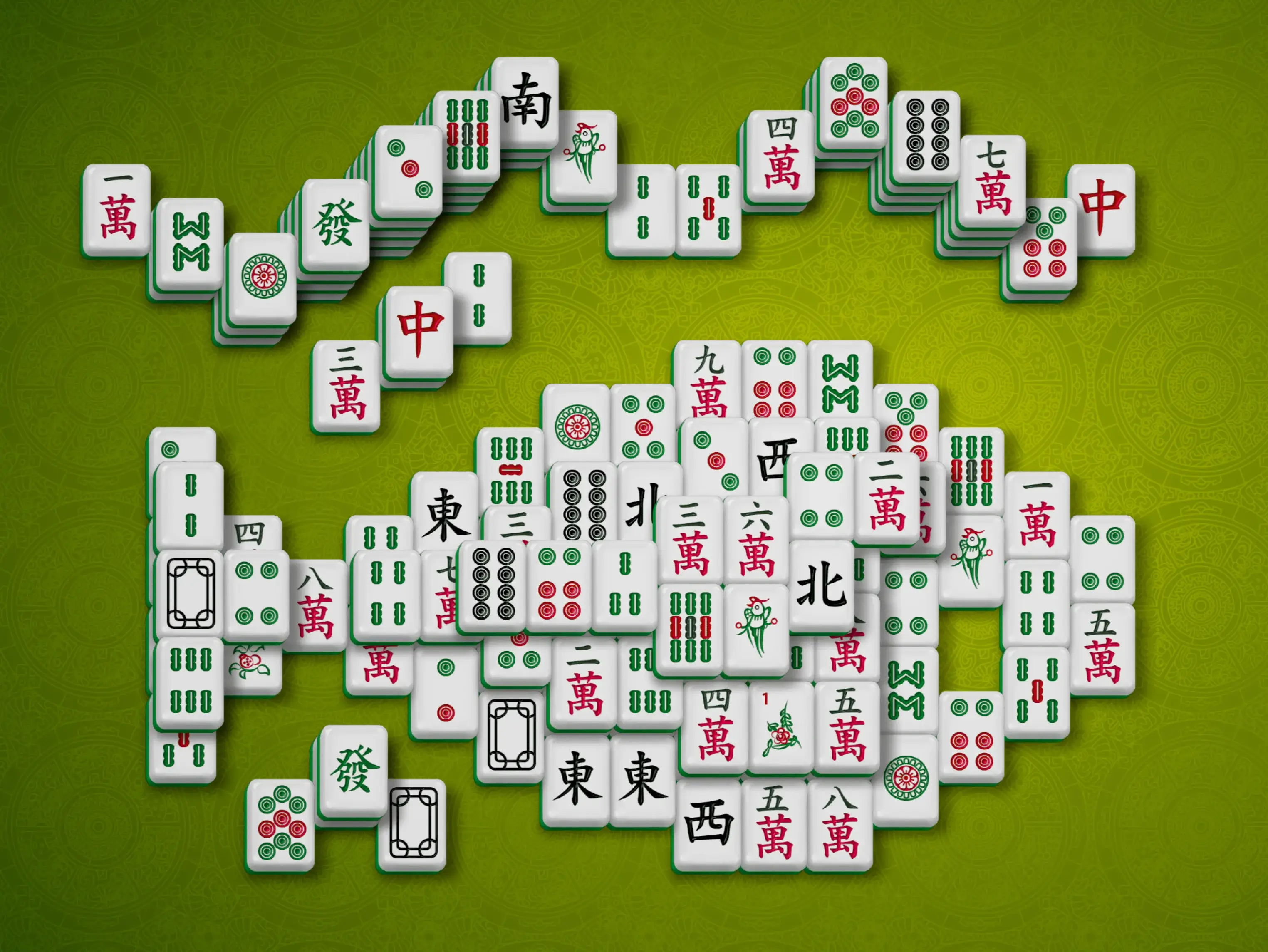
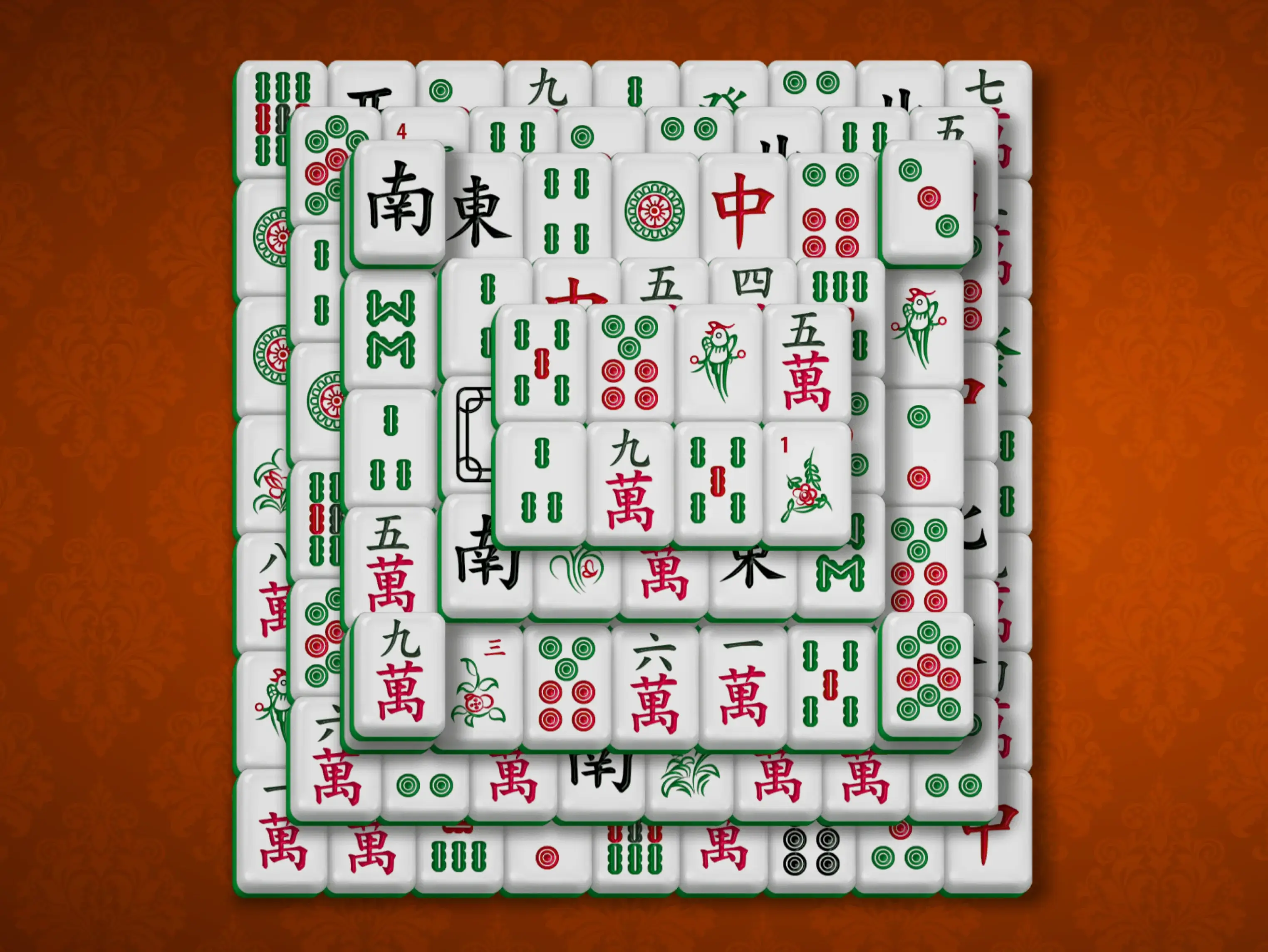
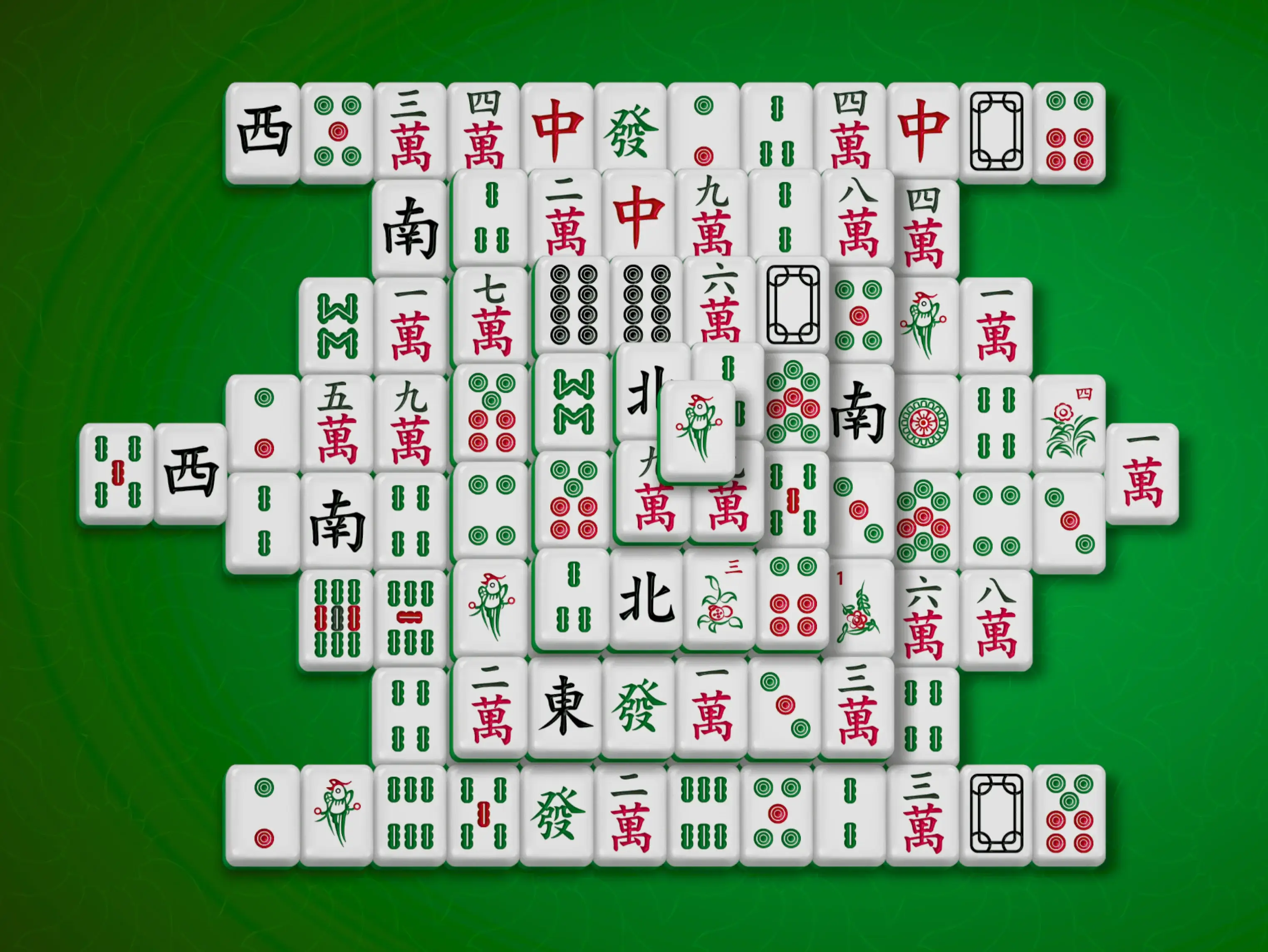
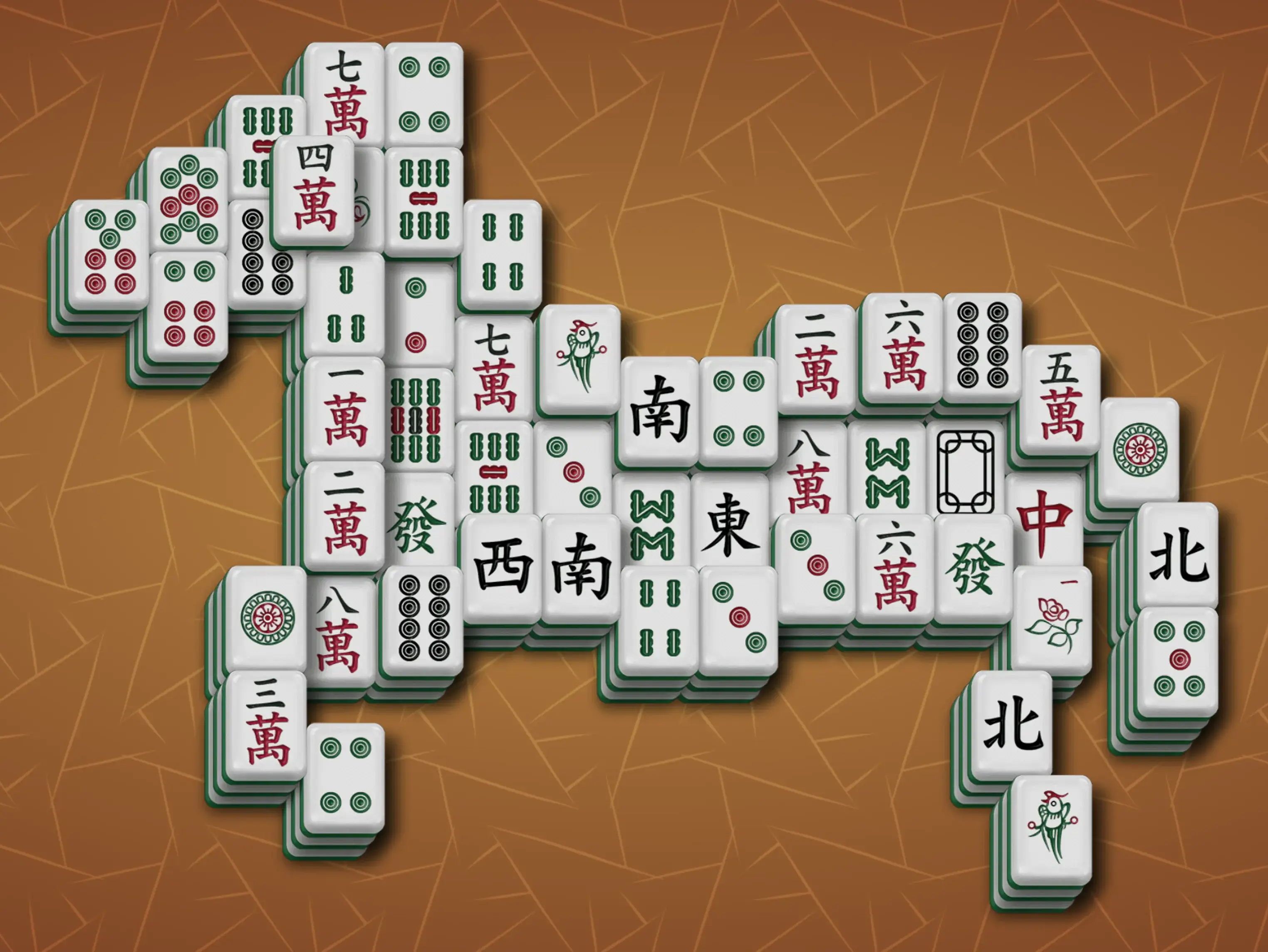
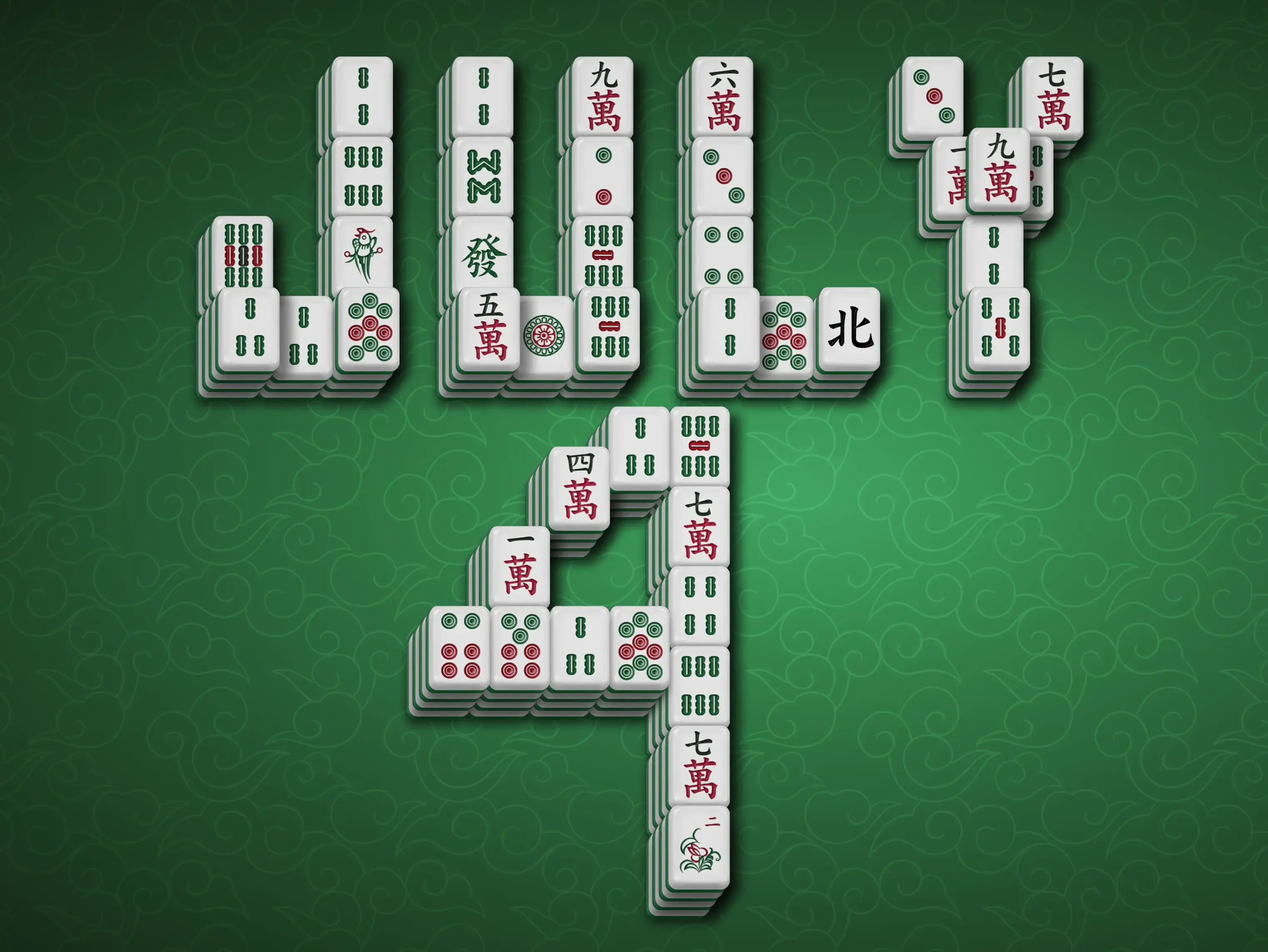
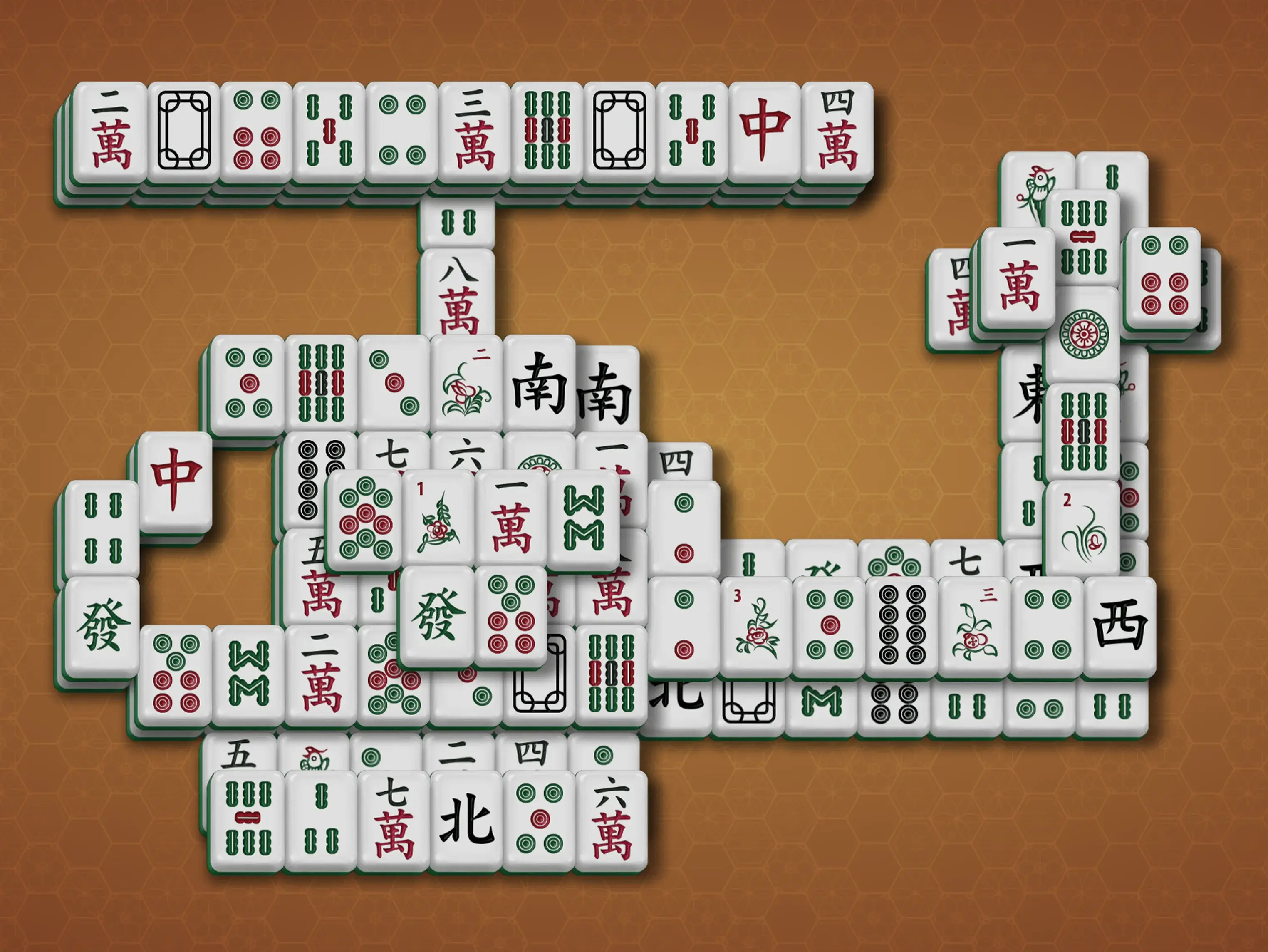
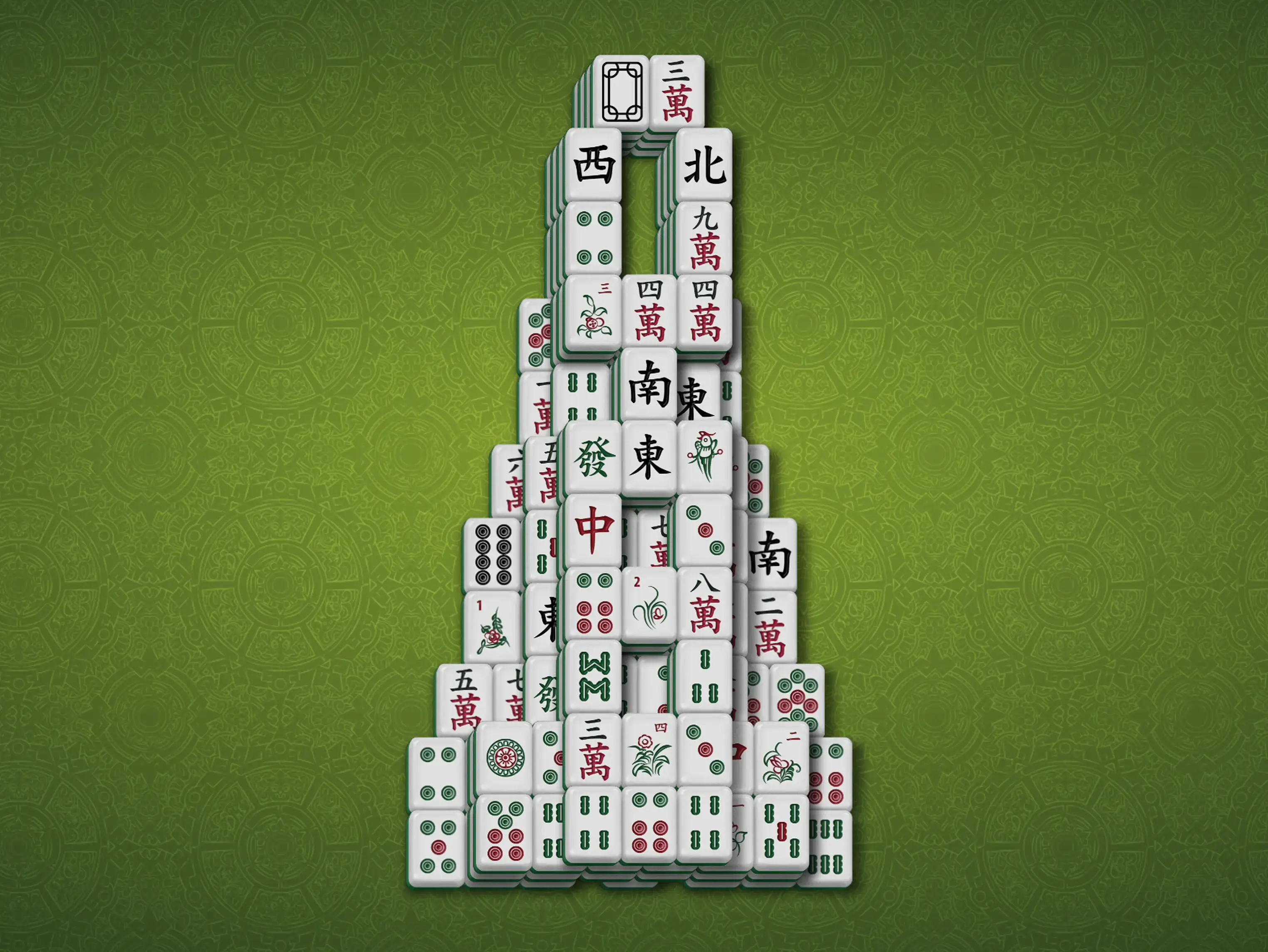
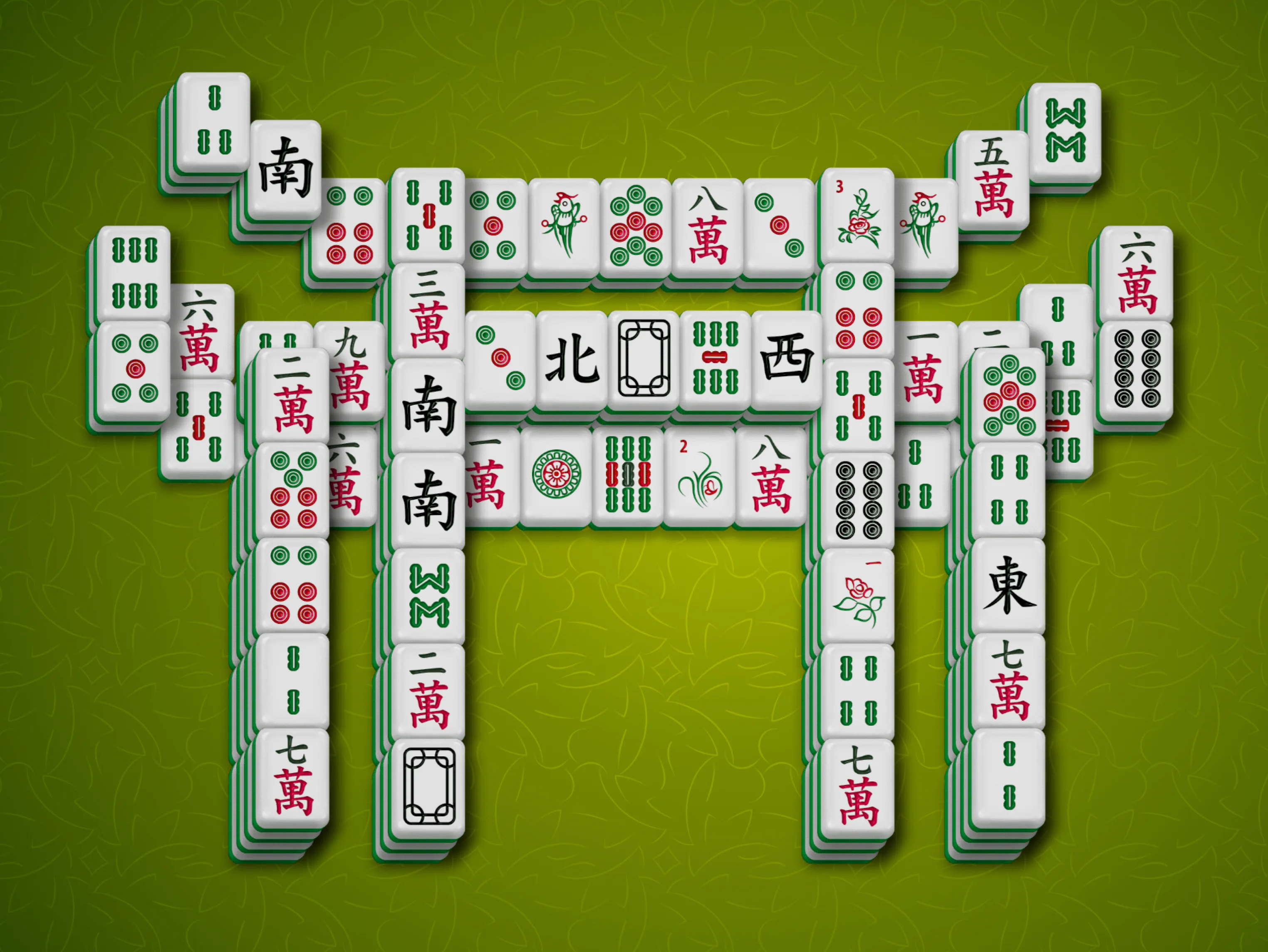
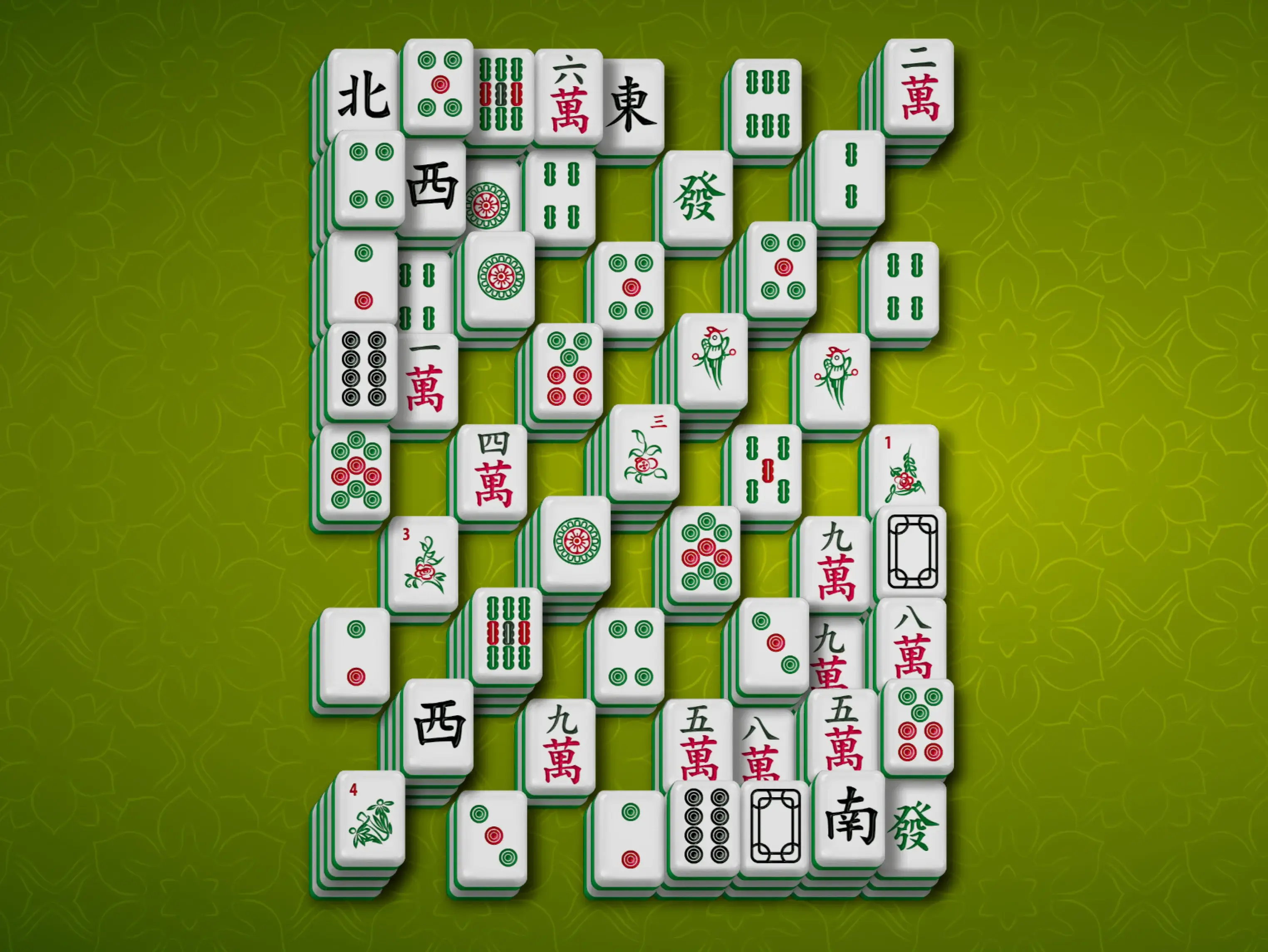
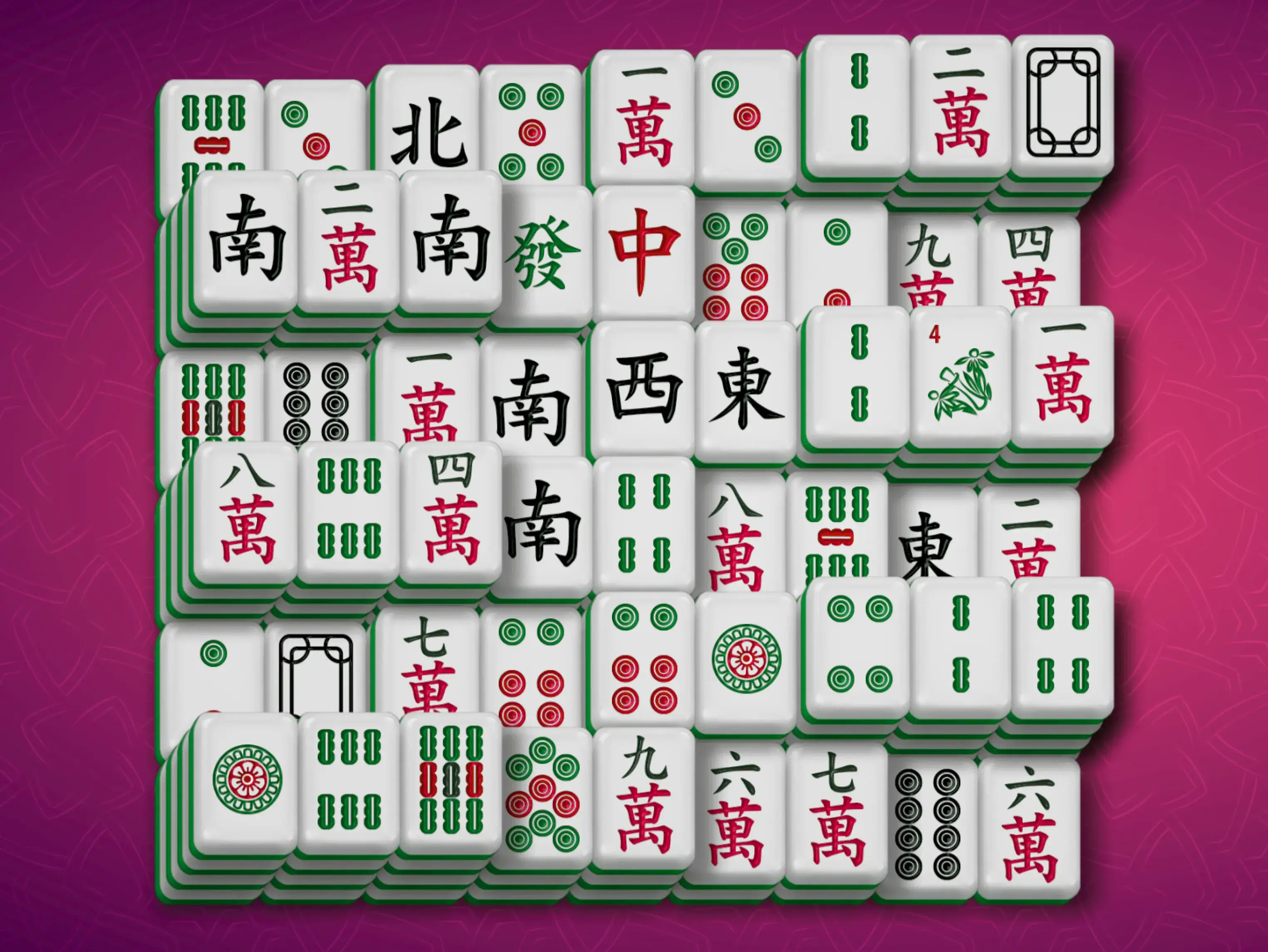
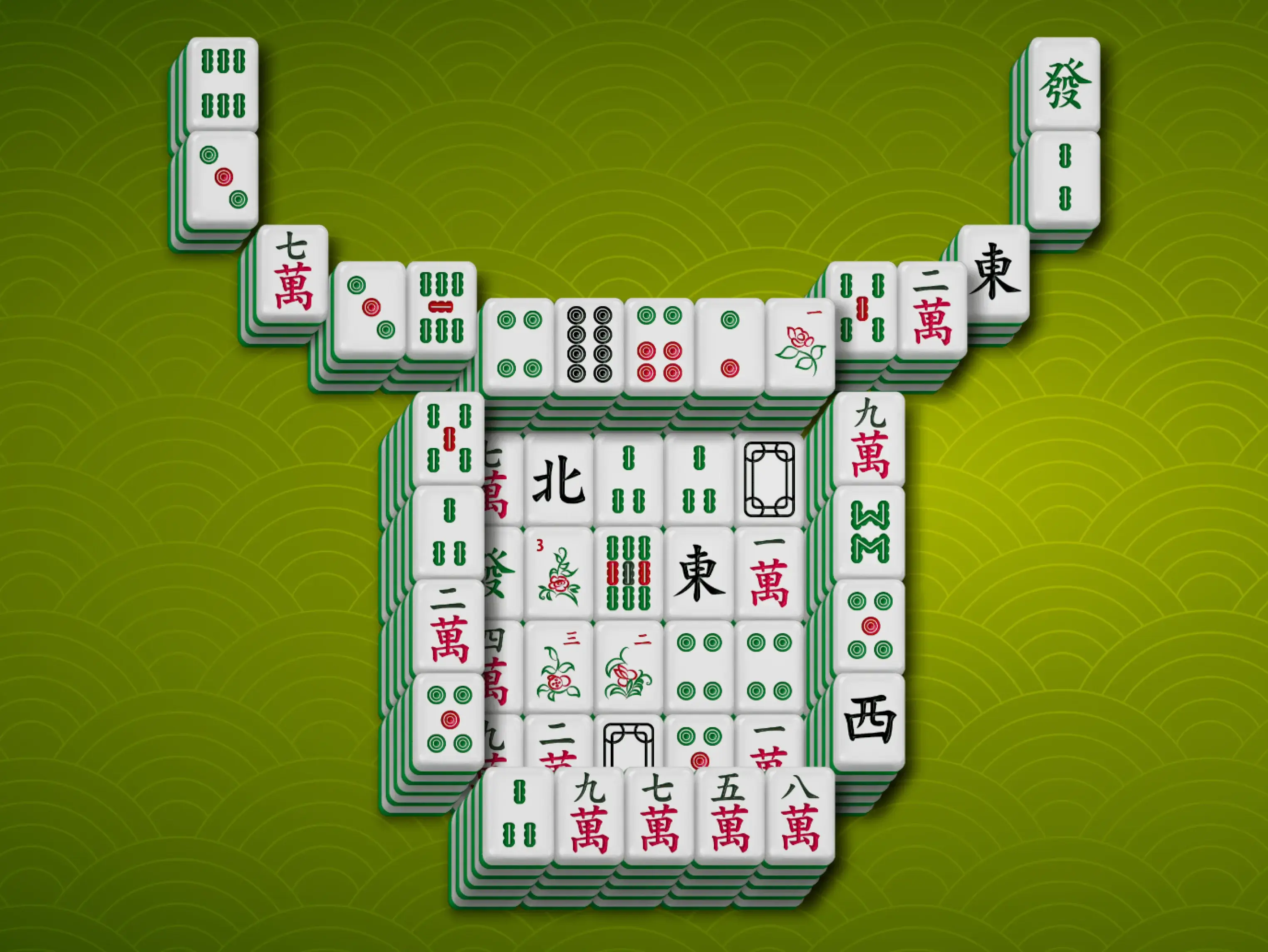
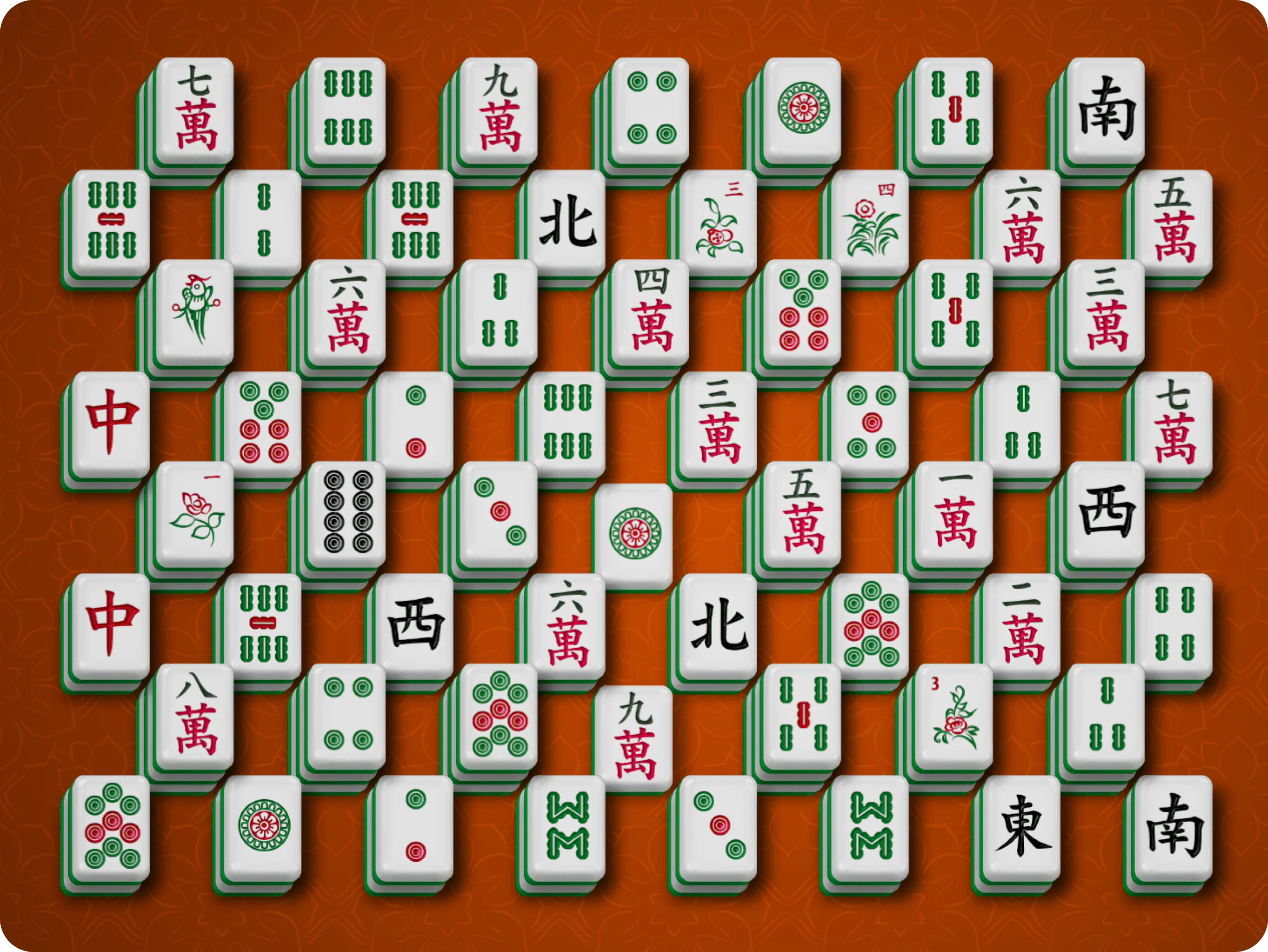
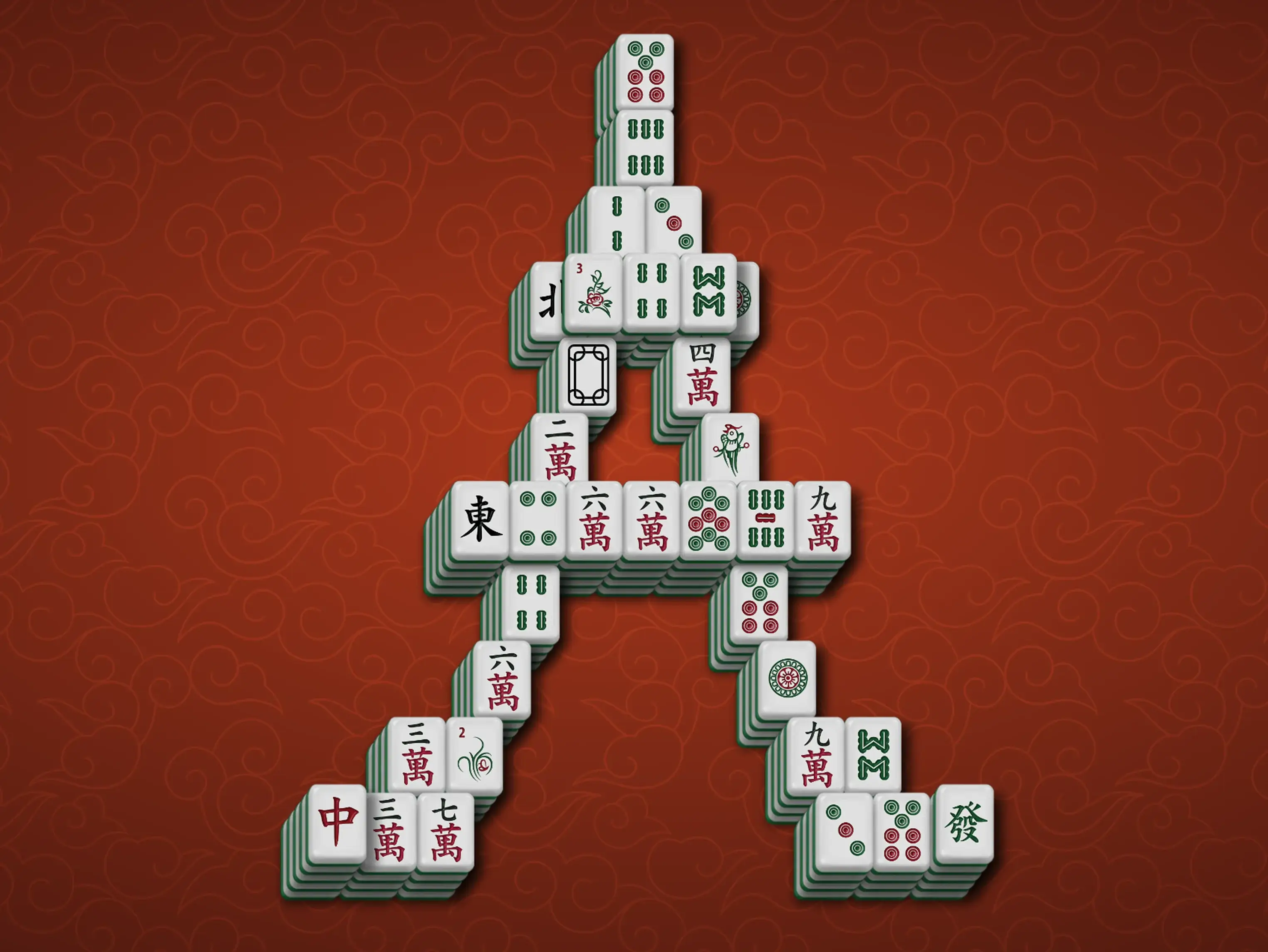
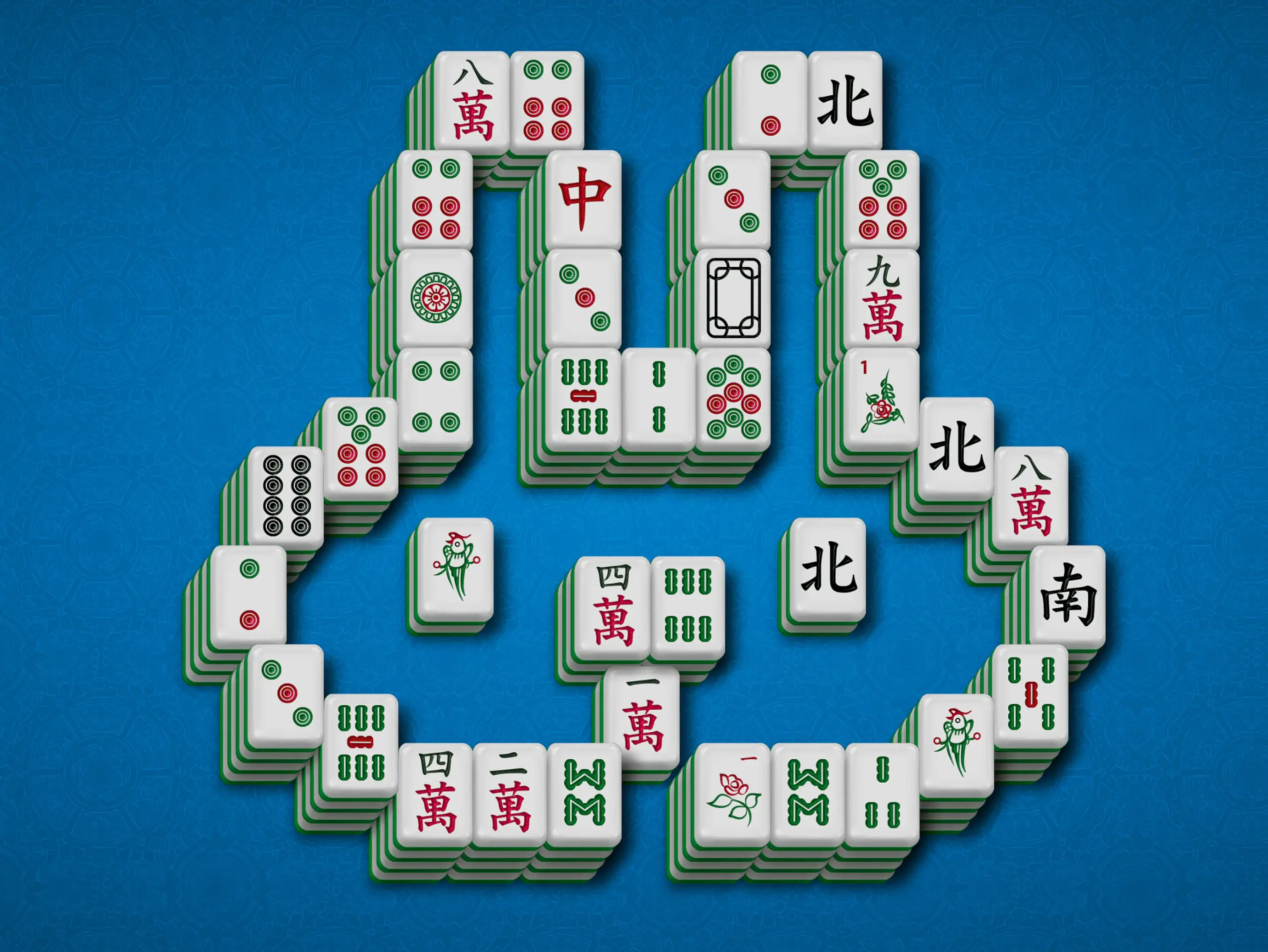
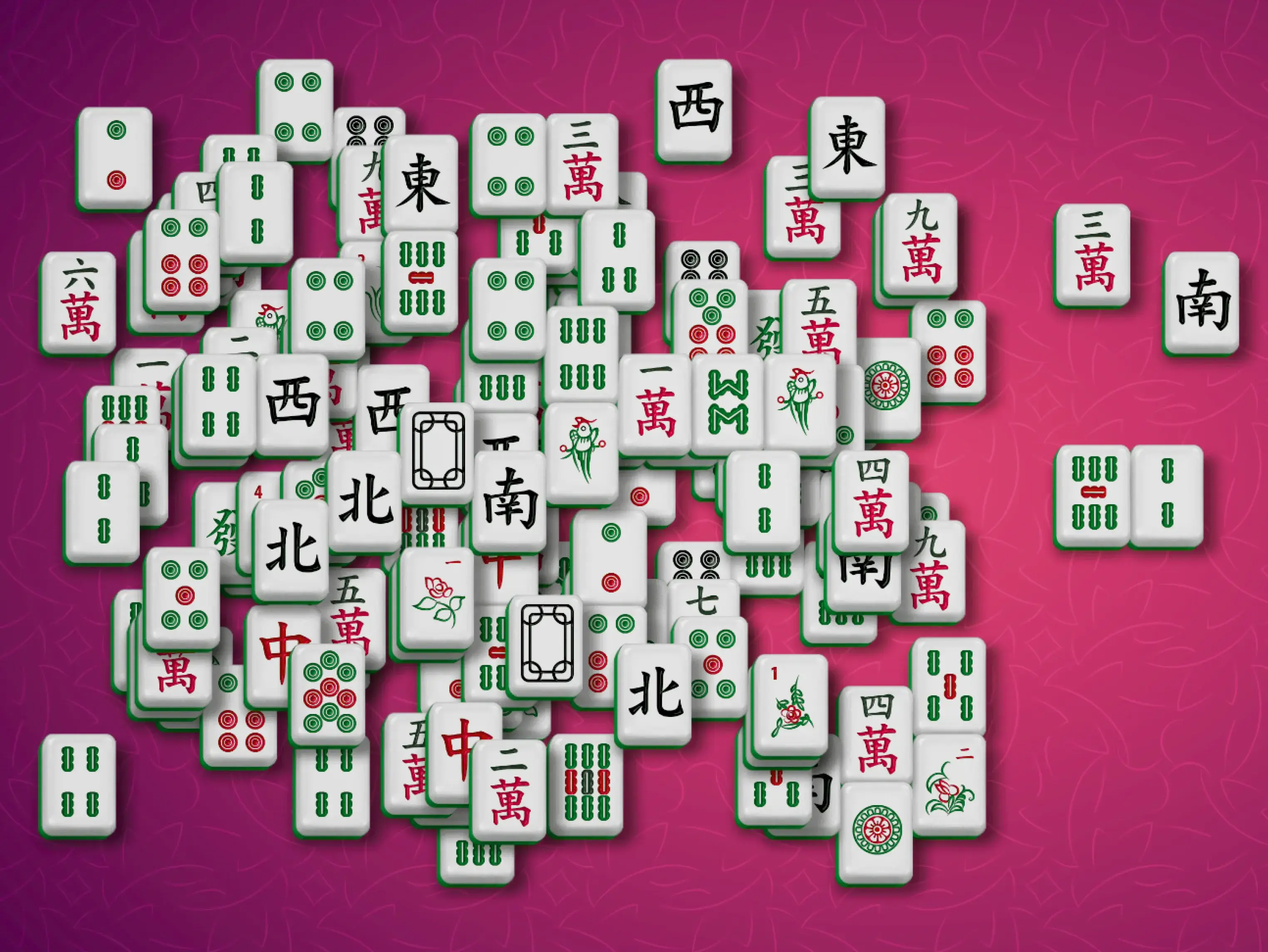
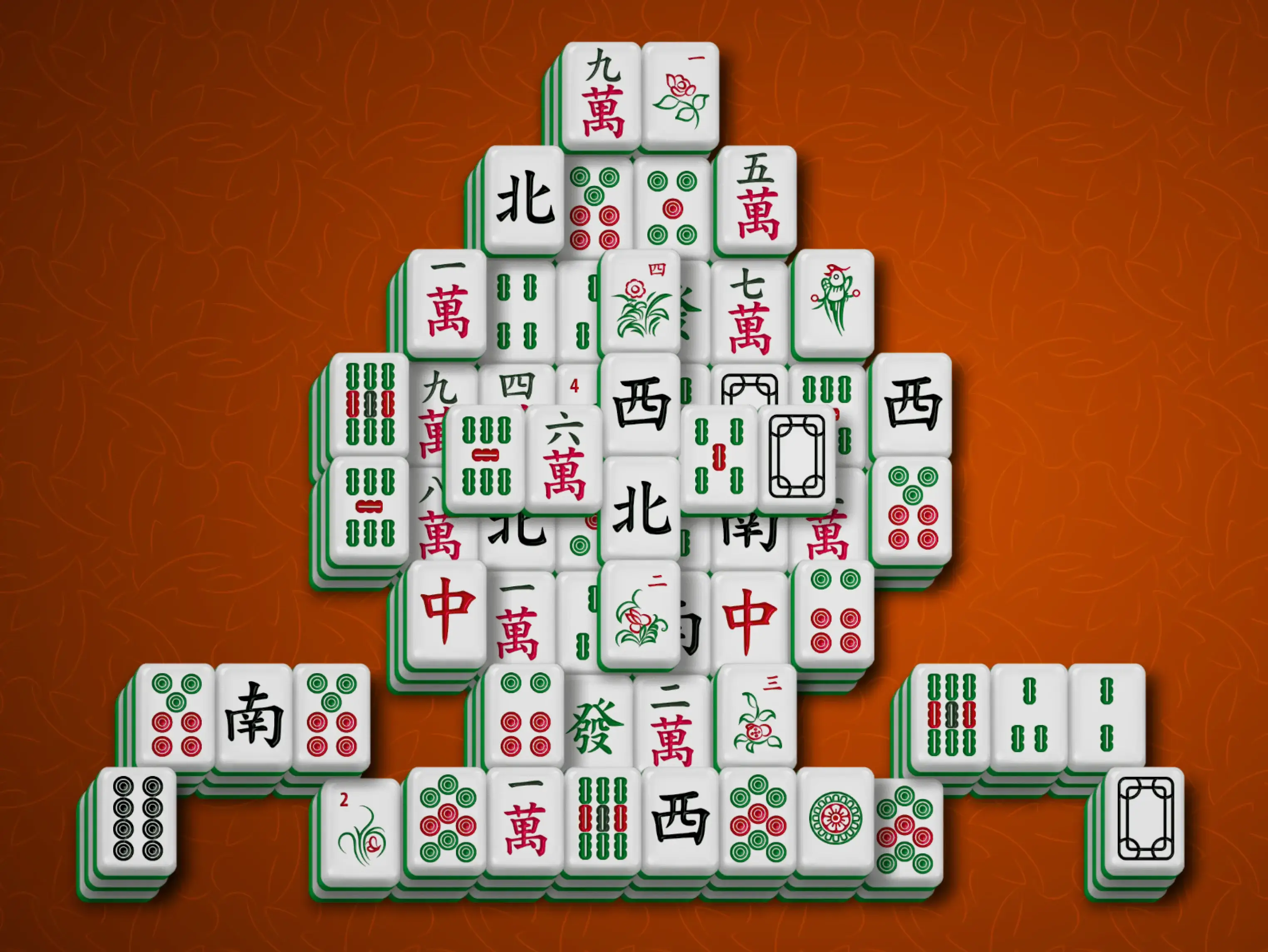
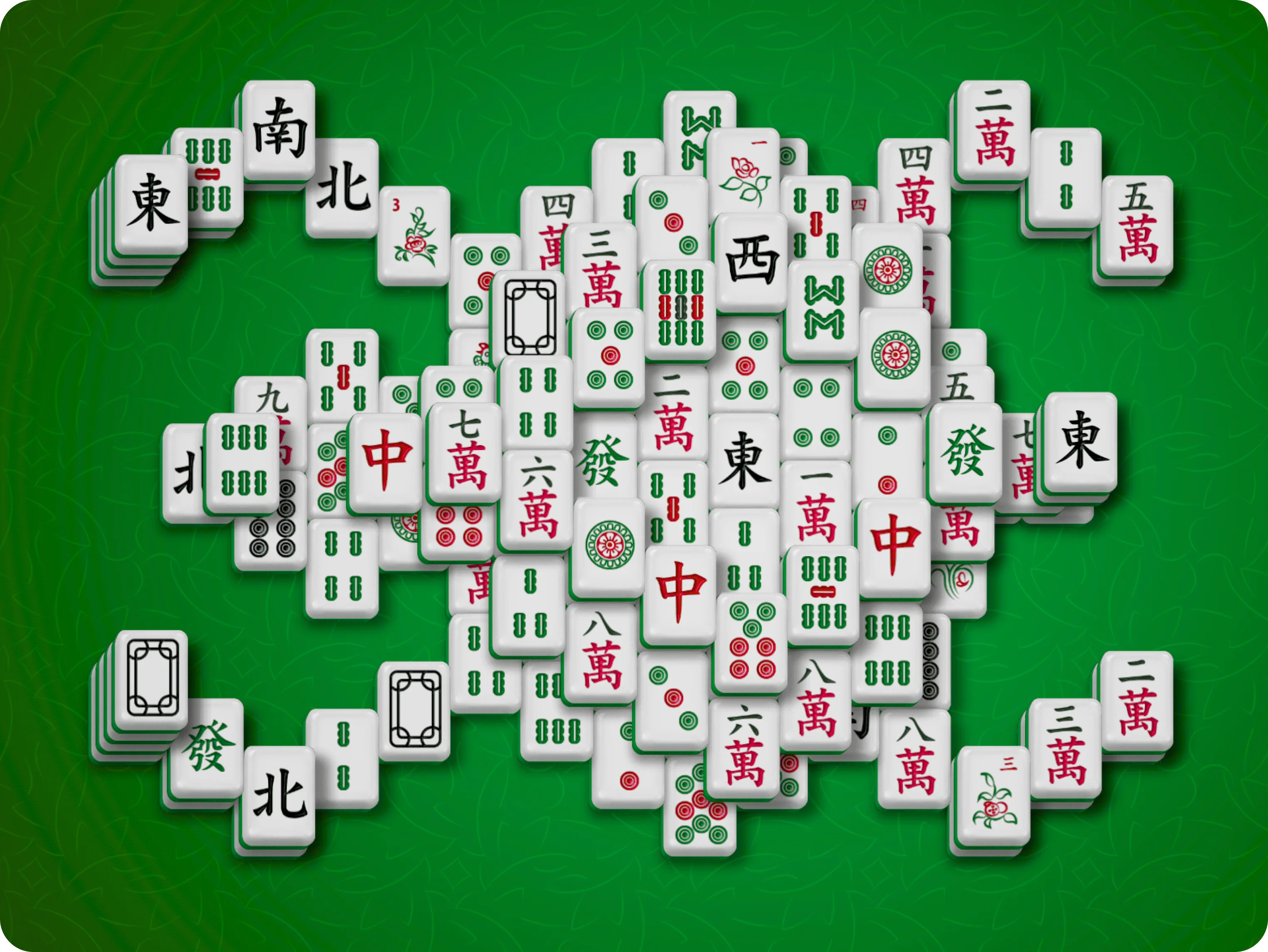
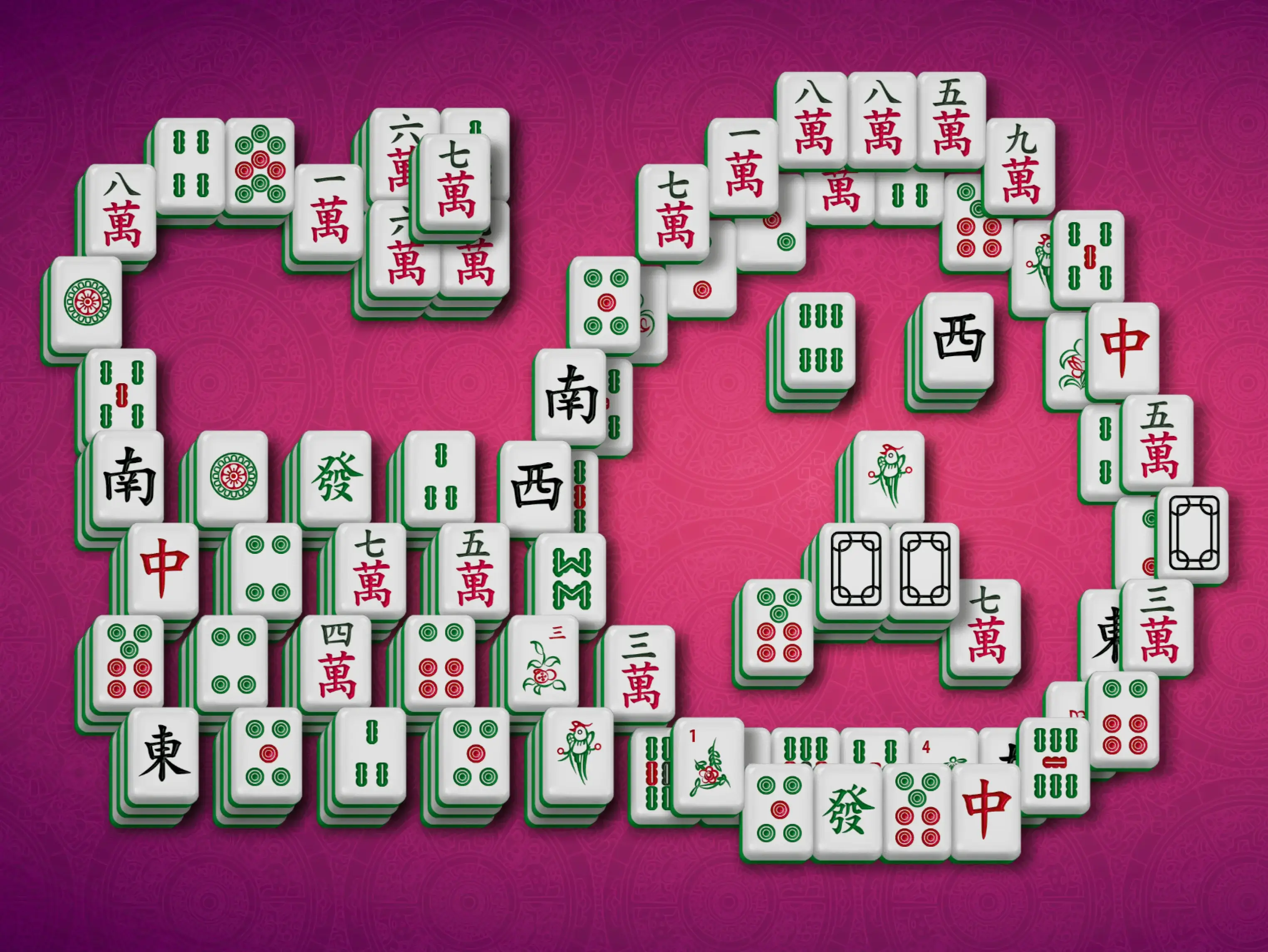
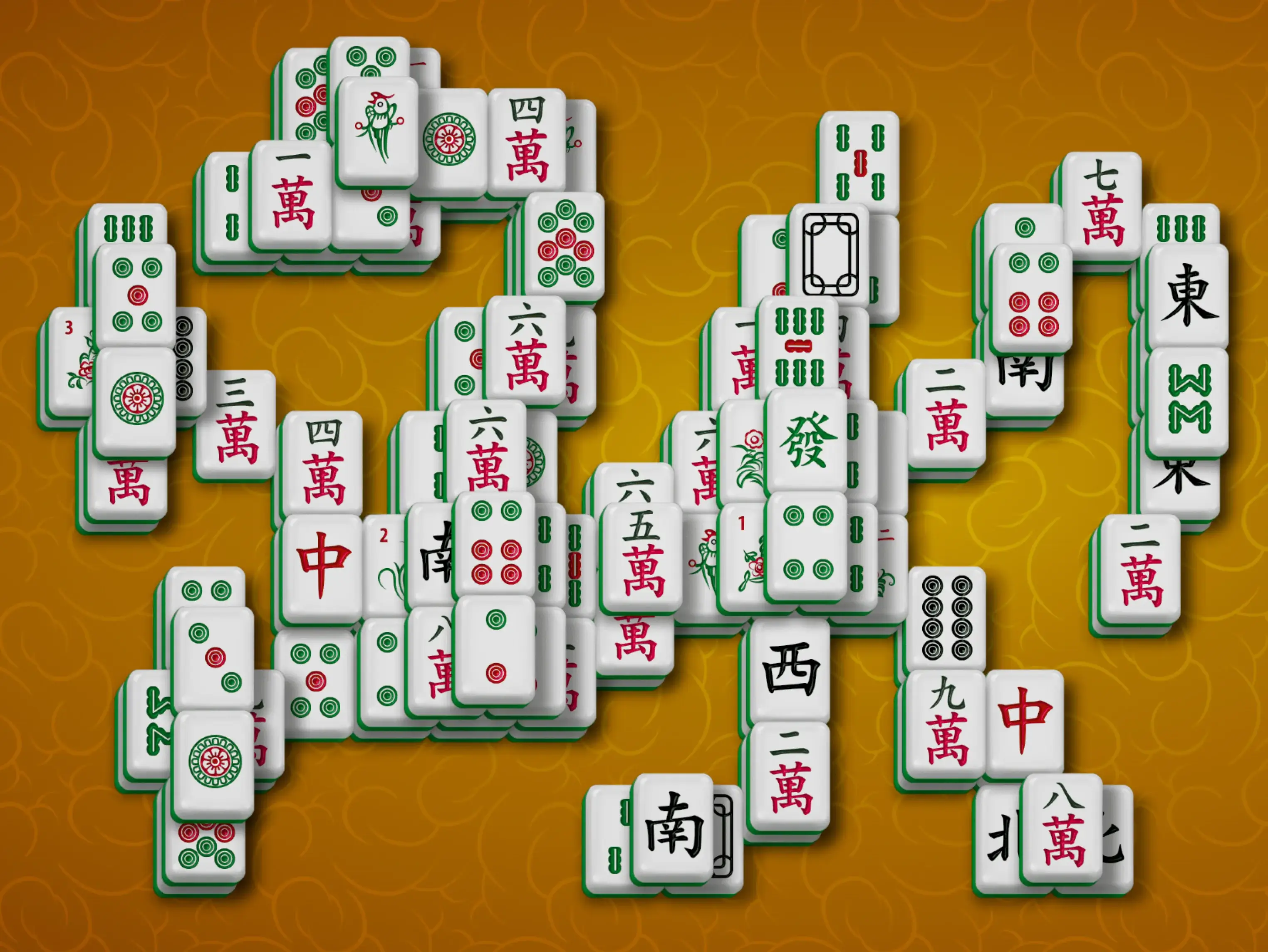
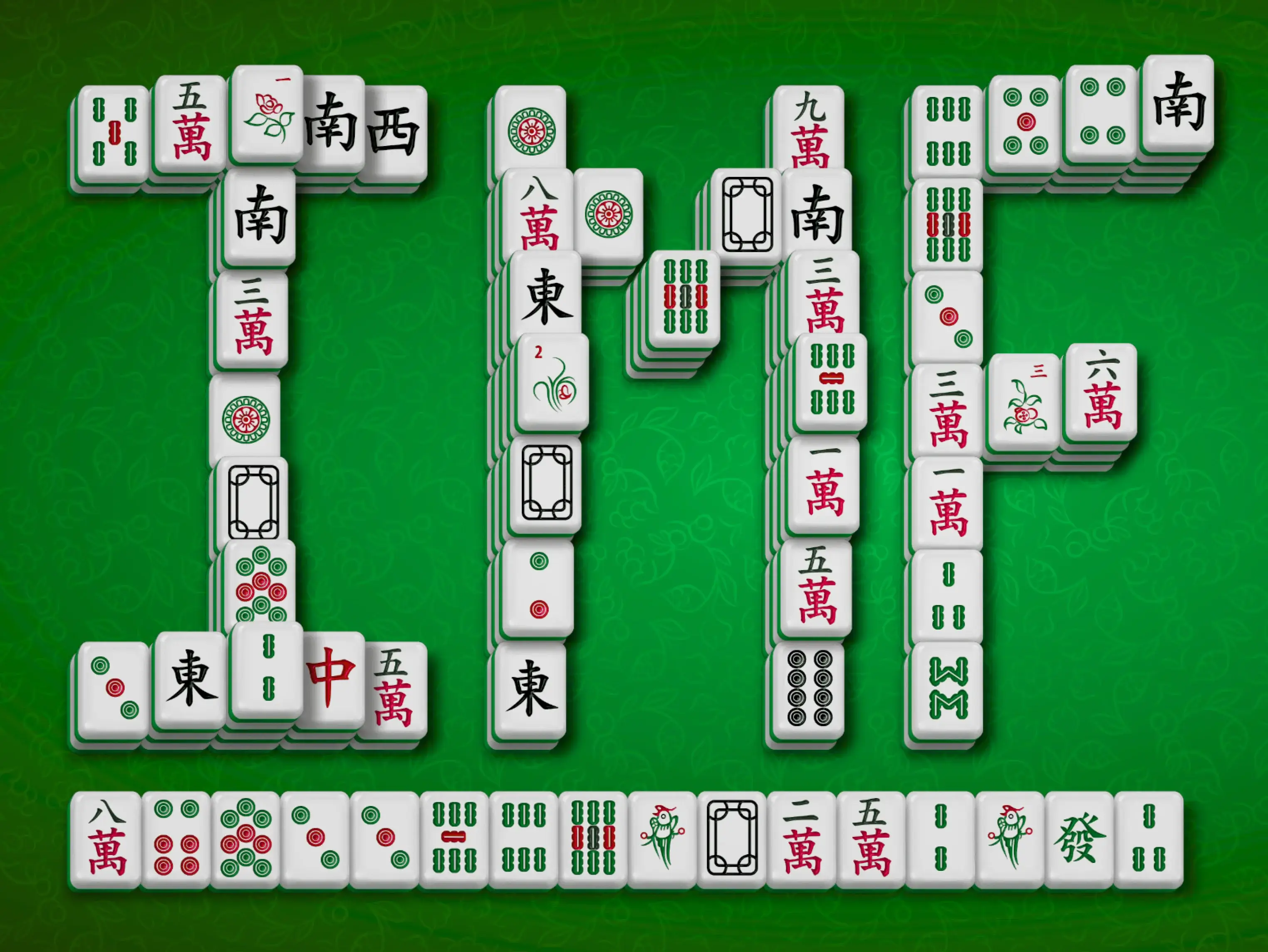
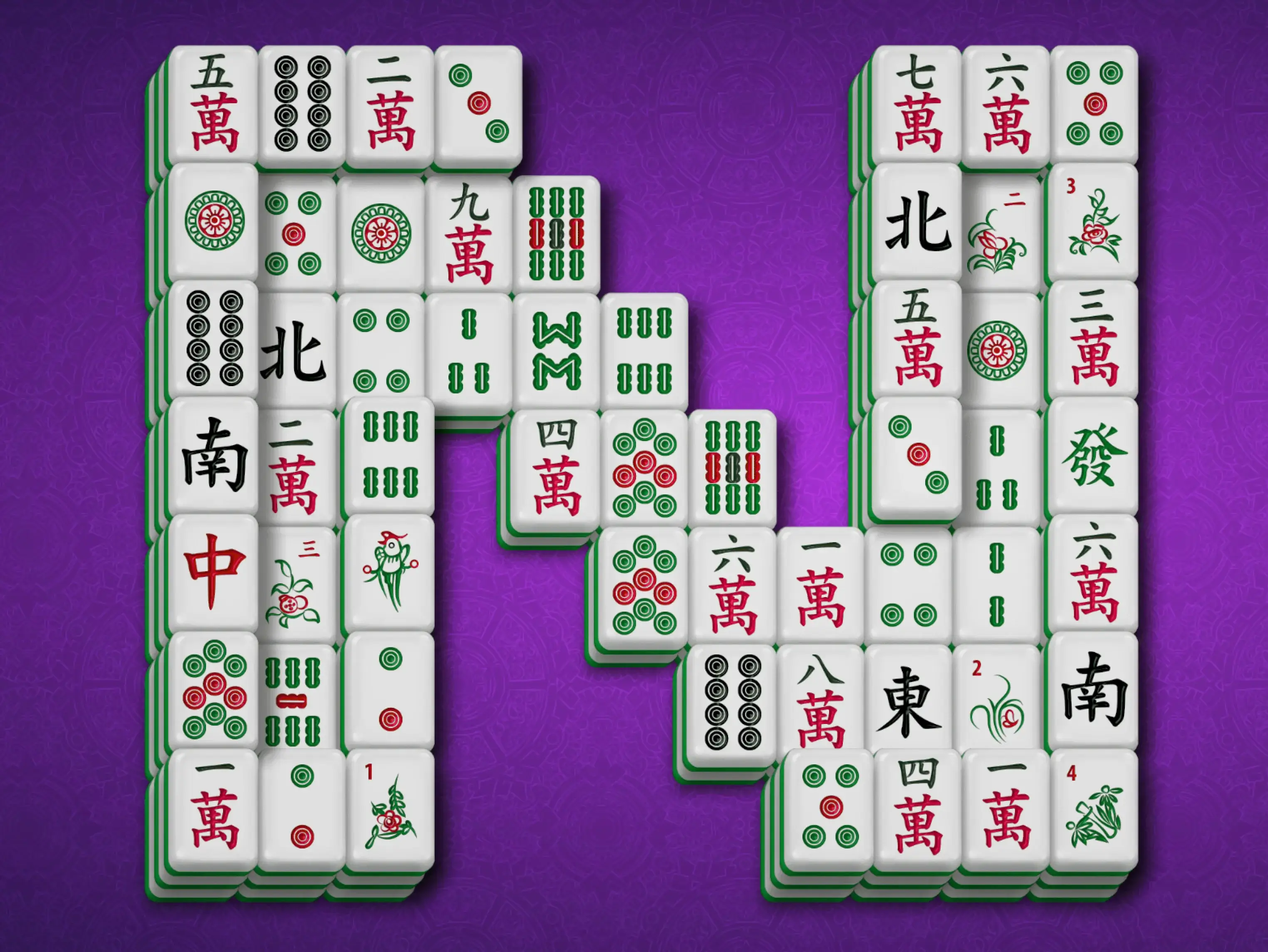
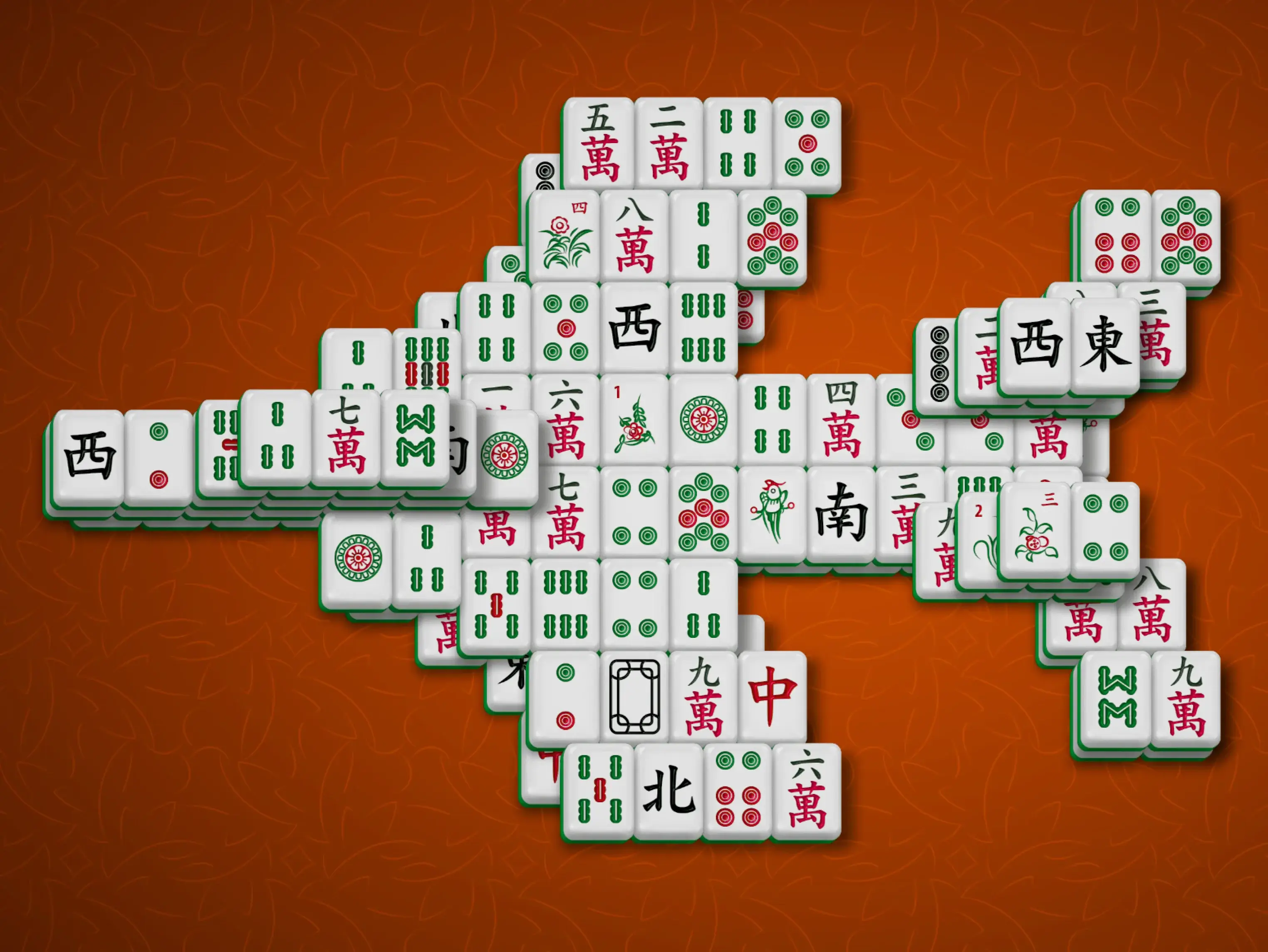
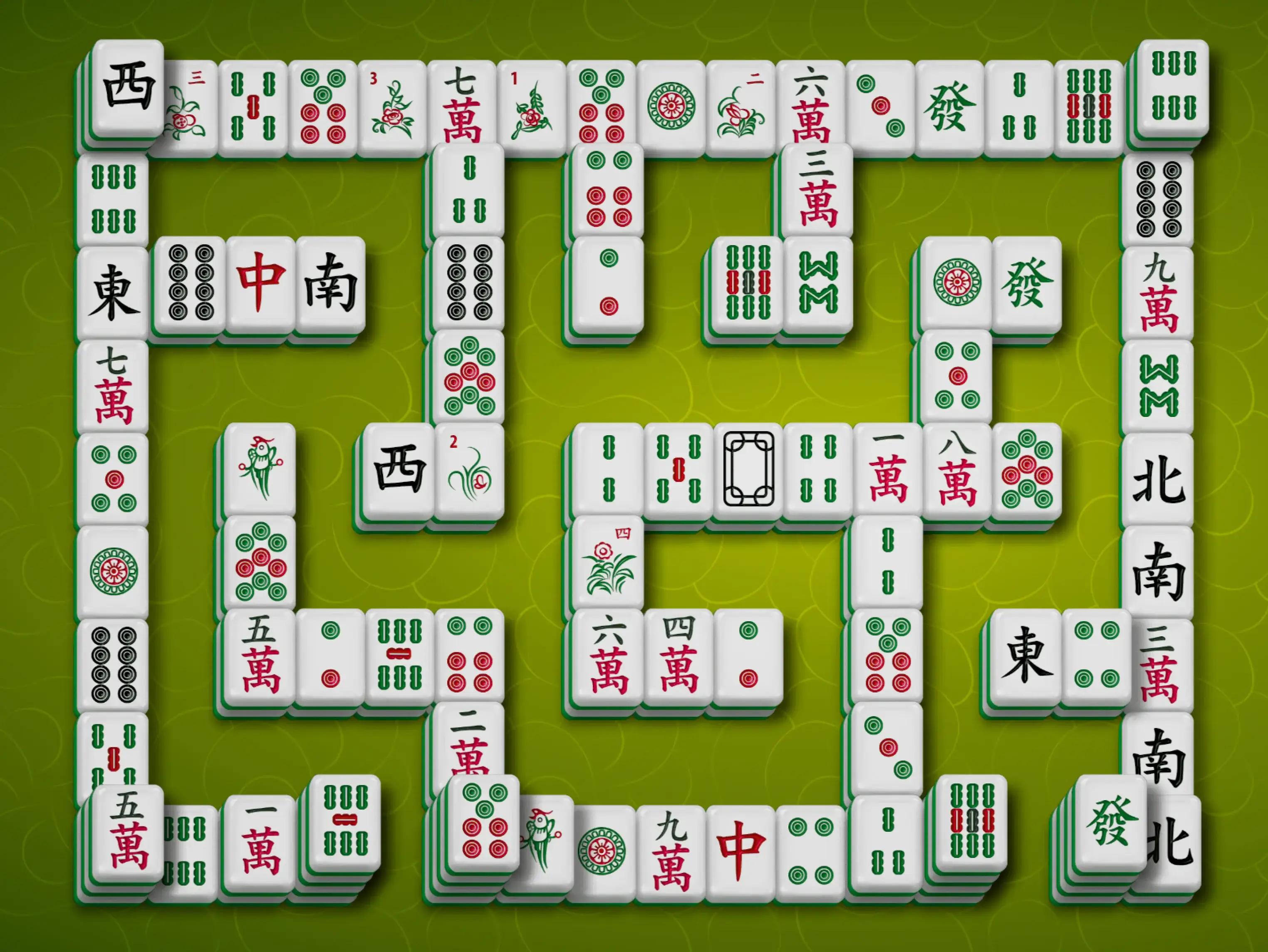
And much more — click "Layouts" in the game or visit the page with all layouts.
Before making your first move in Mahjong Solitaire, take a moment to look over the board. You may spot a move that opens an important part of the layout. Pay attention to Season and Flower tiles too: they do not need identical pictures to form a pair.
Try to match pairs that reveal new tiles or open blocked parts of the board. Some pairs do not create any new options, so it may be better to leave them for later.
When three identical tiles can be removed, choose the pair that opens more of the board. Sometimes it is better to free the fourth tile first, so you can remove both pairs safely.
When all four identical tiles can be removed, you can usually match both pairs right away. This clears space without leaving an unmatched tile behind.
Tiles in the middle of a long horizontal row are often blocked on both sides. Remove matching tiles from the left and right ends of the row to shorten it and make more tiles available.
Tall stacks can hide important tiles underneath. They can also contain matching tiles placed on top of each other, which may block progress if no other matching tile is available.
If you get stuck, use Hint to find an available move or Undo to try a different choice. These tools are especially useful when a move looks good at first but does not help open the board.
Mahjong Solitaire on TheMahjong.com is easy to control. You can play with the mouse or touchscreen, and a few keyboard shortcuts help when you want to pause the game, undo a move, or get a hint. You can also adjust the game settings to make the board more comfortable to play.
Pause the game when you want to take a break. Your current game will stay where it is.
Undo your last move. This is useful if you removed the wrong pair or want to try a different move.
Show an available move when you are stuck or cannot quickly find a matching pair.
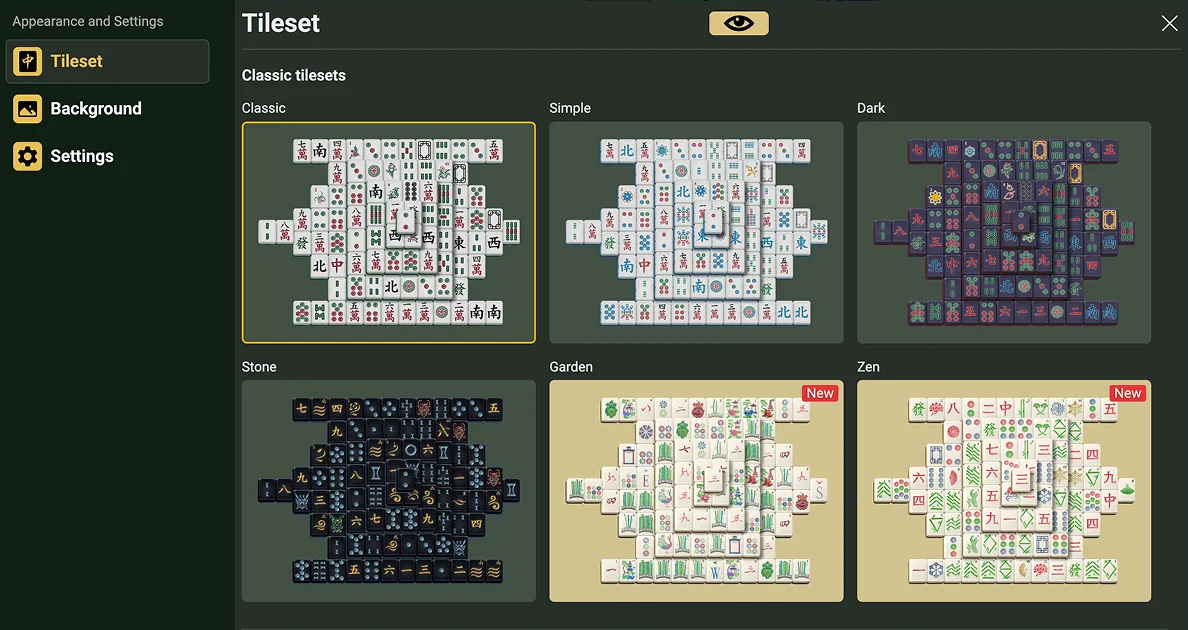
Choose the tile set that feels easiest to read. TheMahjong.com offers several mahjong tile styles, so you can pick the look that is most comfortable for you while playing.
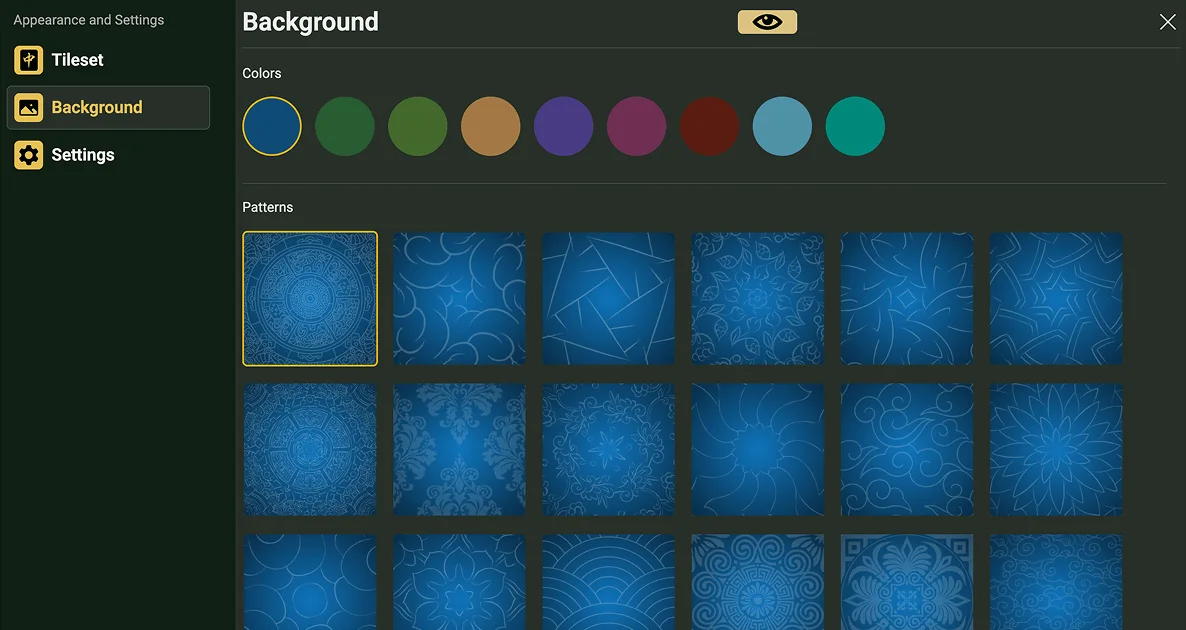
Choose a background that is comfortable for your eyes. TheMahjong.com offers different colors and decorative patterns for the game board, so you can choose the look you like best.
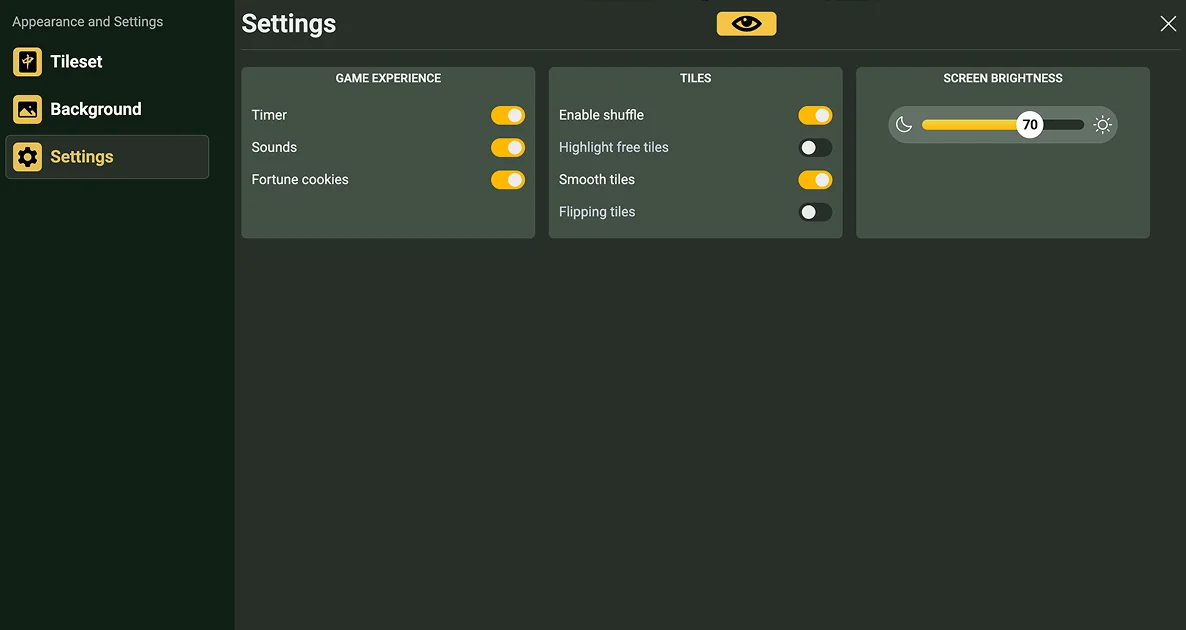
Adjust the game to suit the way you play. You can turn tile highlighting on or off, change visual options, adjust brightness, and use other settings that make Mahjong Solitaire more comfortable.
On TheMahjong.com, you can play Mahjong Solitaire and other mahjong-style puzzle games online for free. Choose a game, pick a layout, match tiles, and clear the board at your own pace.
The site is designed for comfortable play in the browser. You can use hints, undo moves, adjust the controls, switch to fullscreen mode, and choose settings that help you focus on the game.
If something does not work as expected, visit the Frequently Asked Questions section for help with loading, fullscreen mode, controls, settings, and other common questions.
9859 Users Rated
Add The Mahjong to your desktop and never search for it again